Free AI Video Generator Online

Turn a starting frame, a written idea, or a visual reference into a short video draft. Choose the input that matches your concept, guide the motion with a focused prompt, and adjust the output before you download it for your next creative project.

0/2000
No result yet

Your latest generated video will appear here.

Videos are stored for 30 days. Download the ones you want to keep.

Create Videos from Text, Images, or Visual References

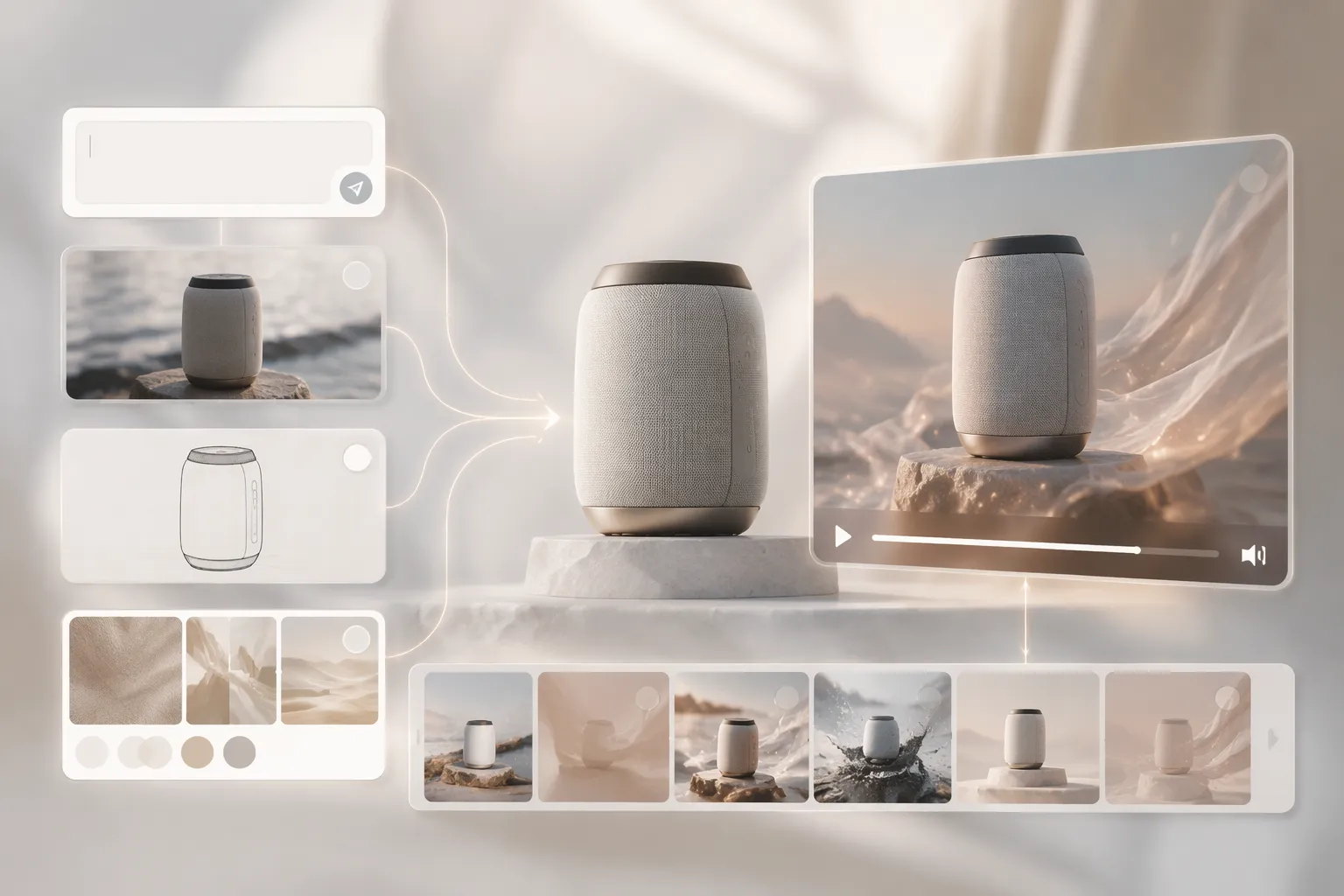
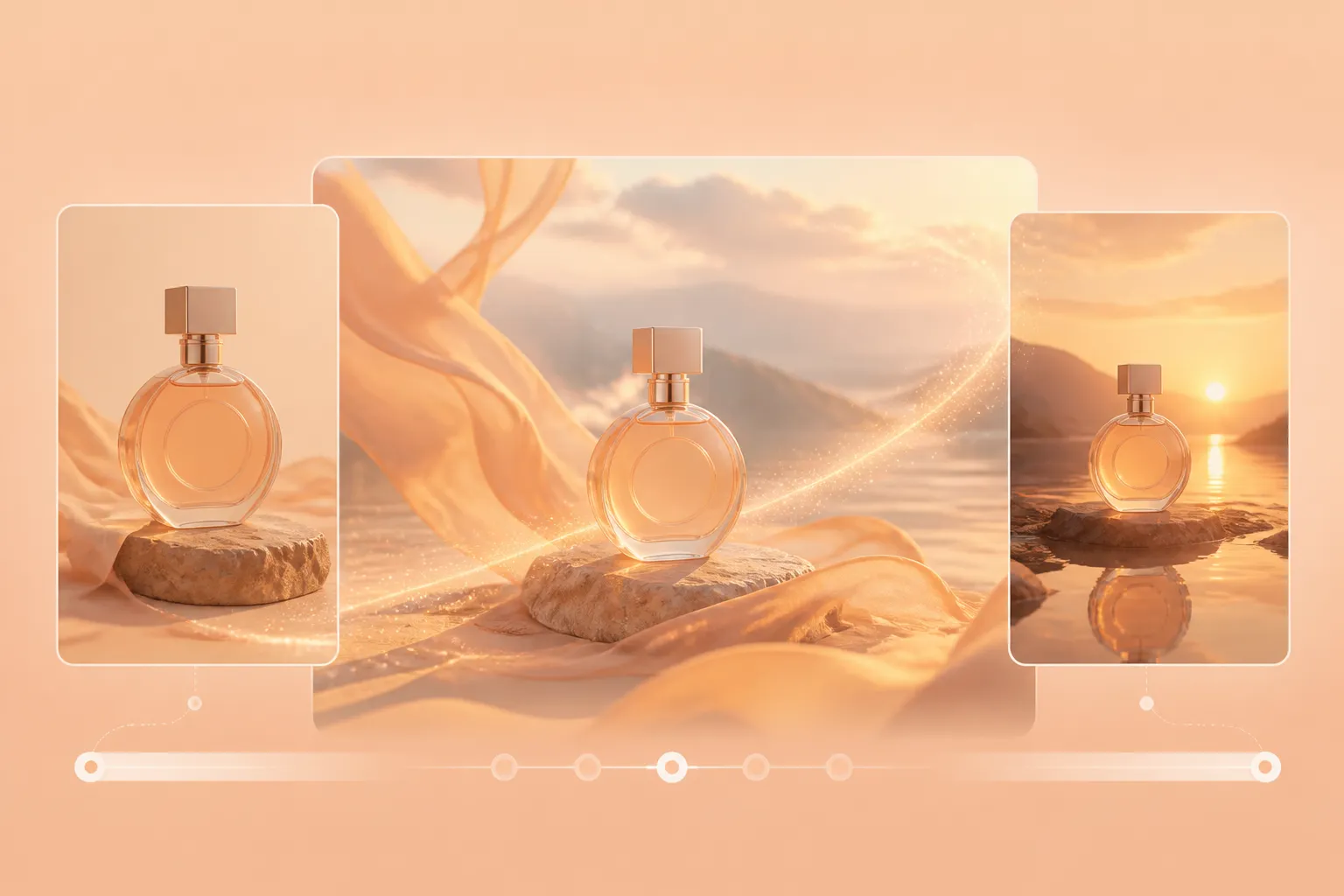
A flexible AI video generator should adapt to the material you already have. Start with a written prompt when your idea begins as a concept, use an AI Image Generator to create the visual foundation when you need a custom starting point, upload an image when the opening composition matters, or add a reference image or video when you need clearer control over the subject, style, framing, and movement. Each workflow provides a practical video draft that can be reviewed, refined, and used for social media, product storytelling, presentations, advertising concepts, and other creative projects.
Create Videos from Text, Images, or Visual References

Image to Video AI with First and Last Frames

Image to Video AI turns a still visual into motion while keeping the original composition recognizable. Upload your own first frame to define how the clip begins, then add an optional last frame to guide the final pose, scene, or camera position. A clear prompt can shape the subject’s action, camera movement, pacing, atmosphere, and visual style. Before animation, you can also use the AI Photo Editor to refine the source image, adjust details, or improve the overall look. This workflow works well for product reveals, portrait animation, creative transitions, and scenes that need a more intentional beginning and ending.

Image to Video AI with First and Last Frames

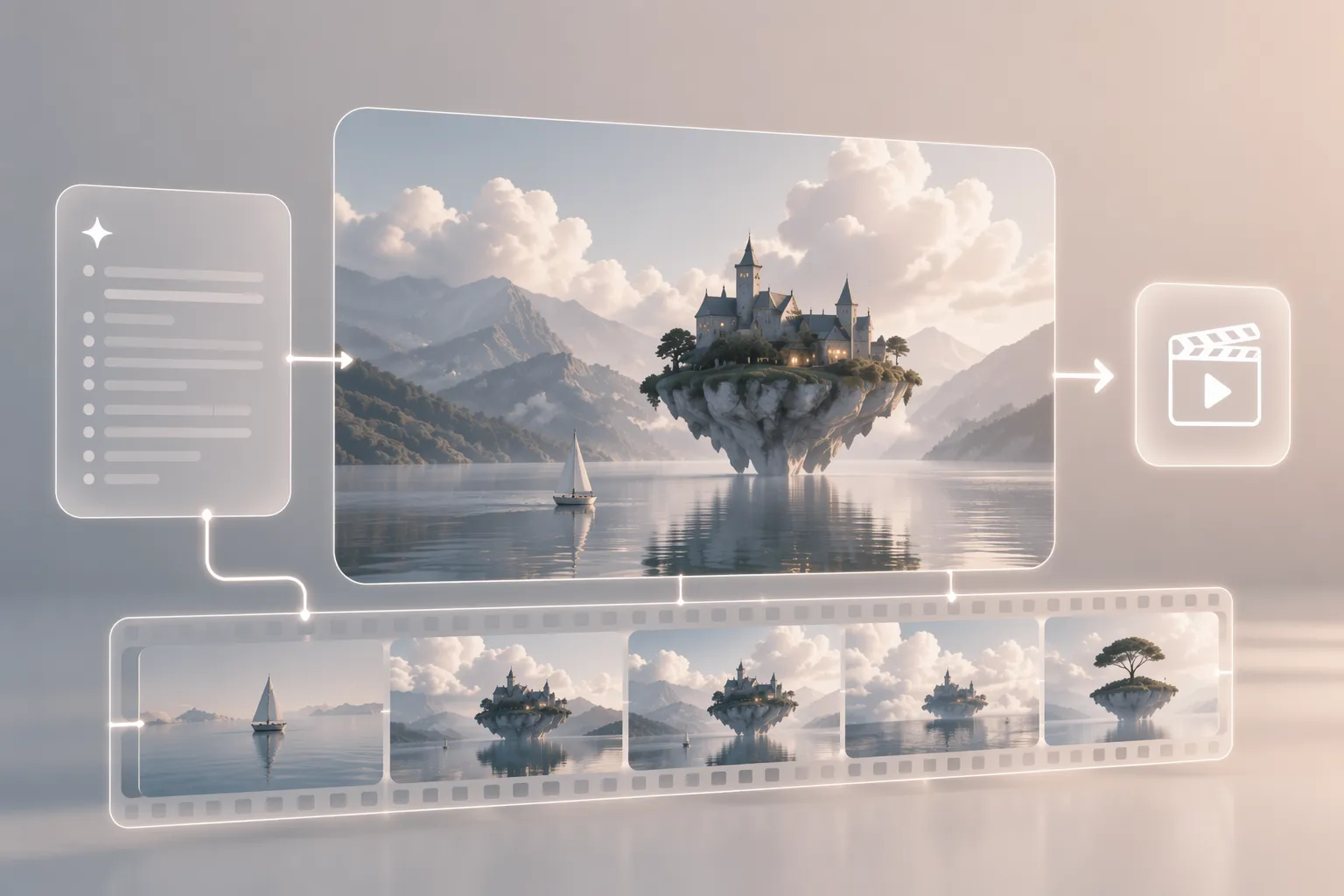
Text to Video AI for Ideas That Start with Words

Text to Video AI lets you create a complete scene from a natural-language description without preparing footage first. Describe the main subject, action, setting, camera behavior, lighting, mood, and style, then generate anything from a polished product shot to an imaginative cinematic moment. This mode is well suited to campaign concepts, social media ideas, visual storyboards, educational content, and scenes that may be costly or difficult to film through traditional production.

Text to Video AI for Ideas That Start with Words

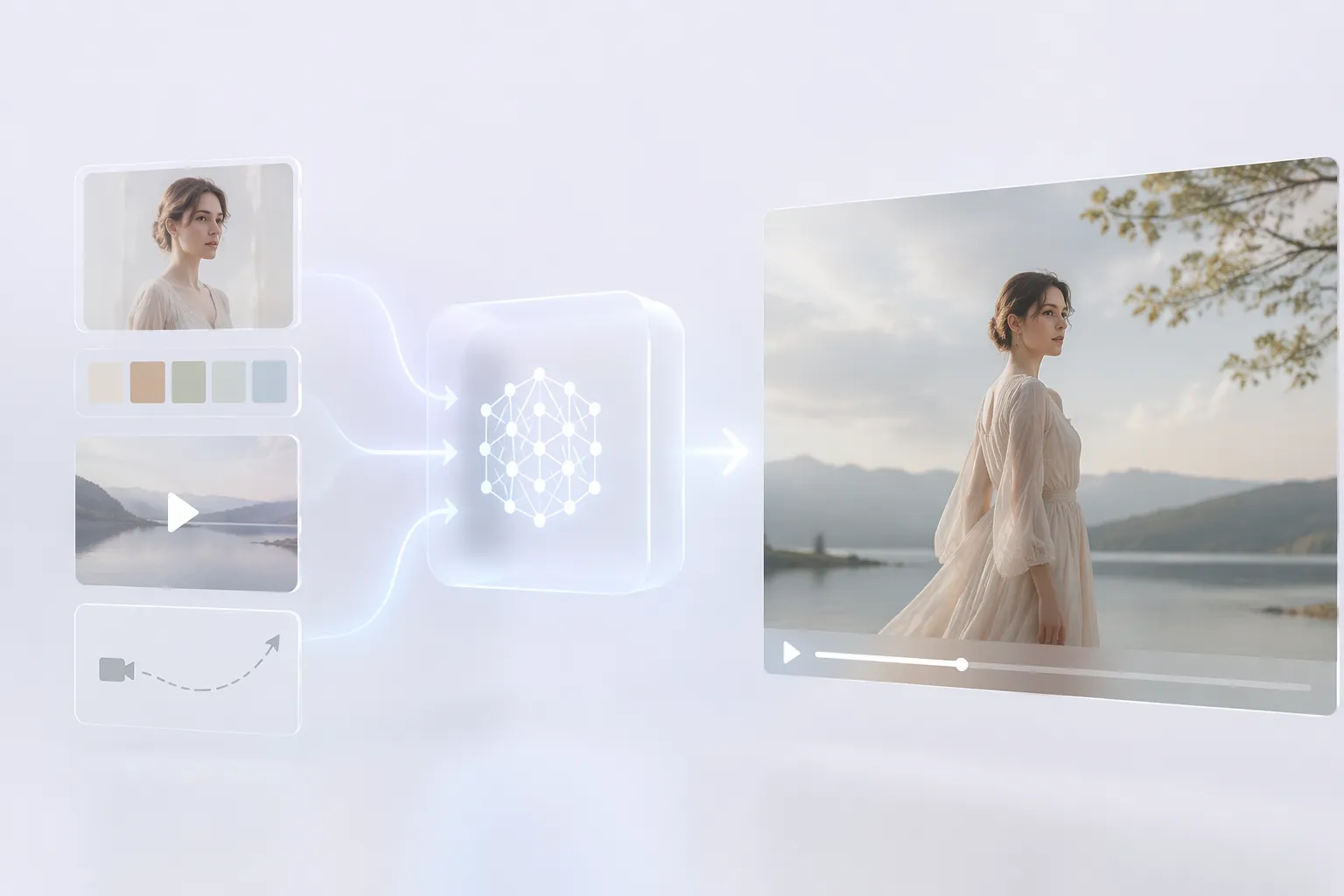
AI Reference to Video Generator for Consistent Direction

An AI Reference to Video Generator provides stronger visual guidance when a prompt alone cannot fully communicate your idea. Upload an image to establish the subject, composition, colors, or artistic style, or use a reference video to also communicate pacing, motion, and camera direction. Explain which elements should influence the new result and which details should remain stable, making it easier to develop connected campaign content, recognizable characters, coordinated product visuals, and concepts based on an existing creative direction.

AI Reference to Video Generator for Consistent Direction

What You Can Create with an AI Video Generator

Generate various social media videos with an AI video generator

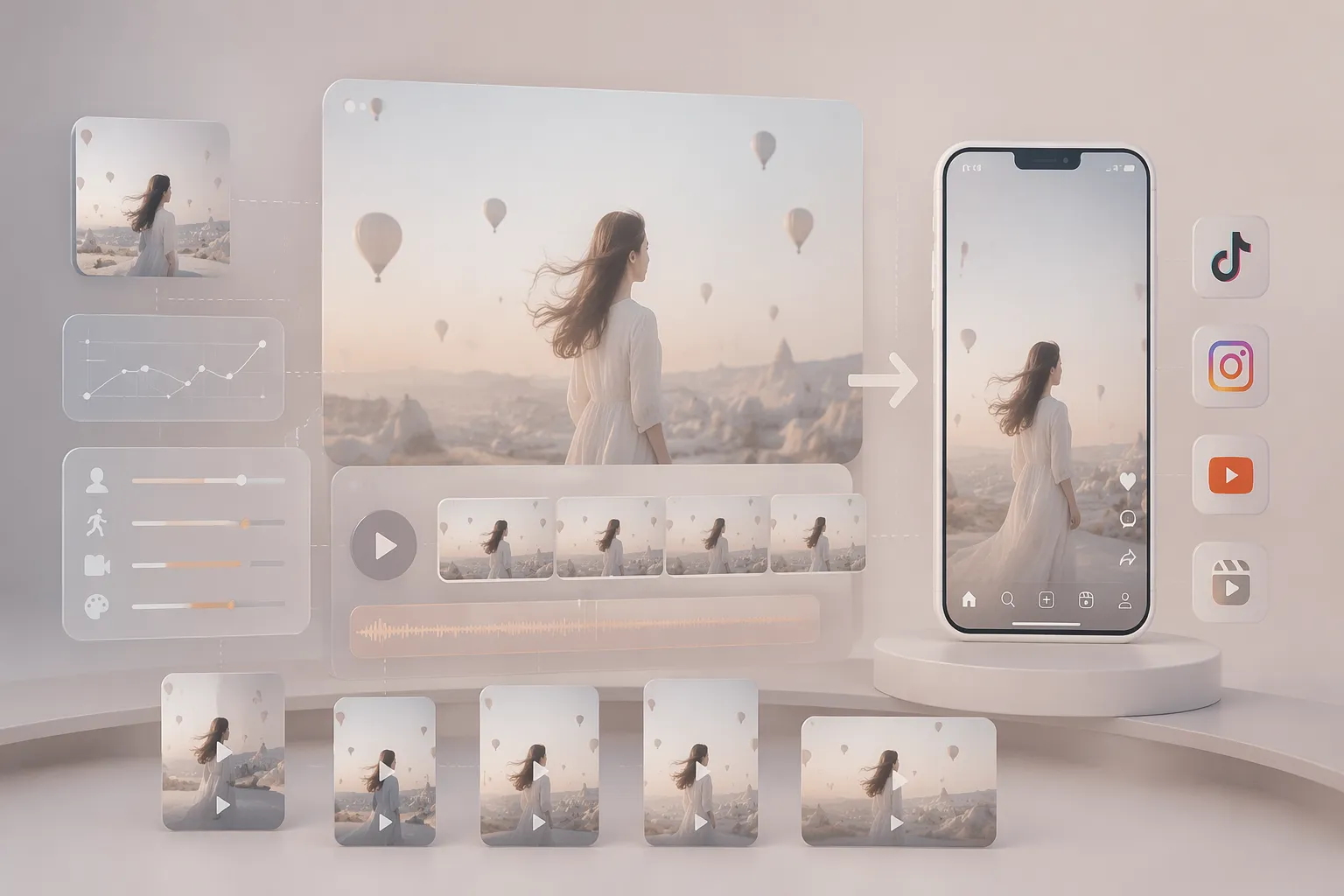
Social Media Clips from a Single Idea

Creators can turn a short scene description or a still image into a first video draft for TikTok, Instagram Reels, YouTube Shorts, or other vertical content. Use the prompt to specify the hook, subject movement, camera pace, and visual tone before exporting a clip for editing or posting.

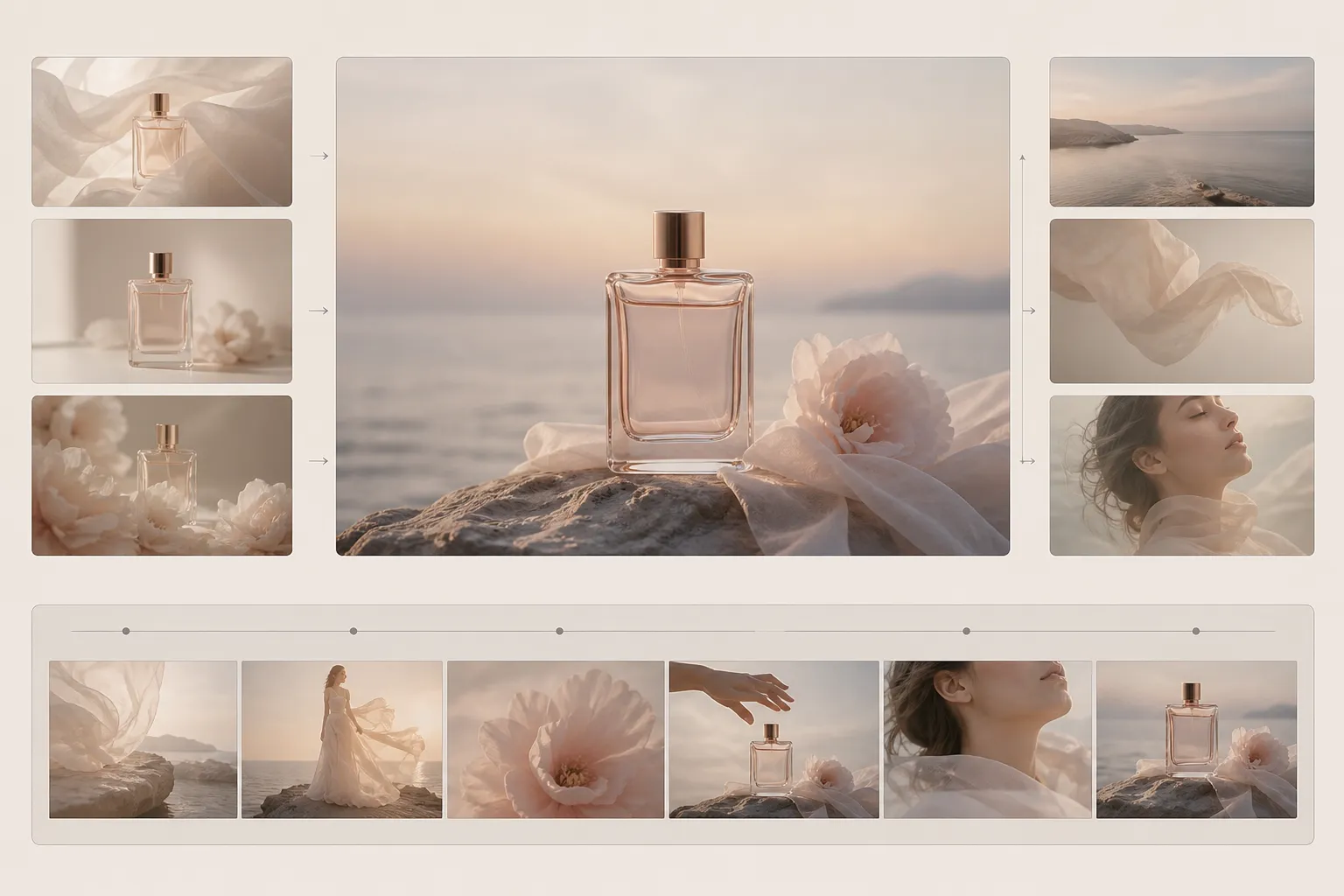
Generate product showcase videos with an AI video generator

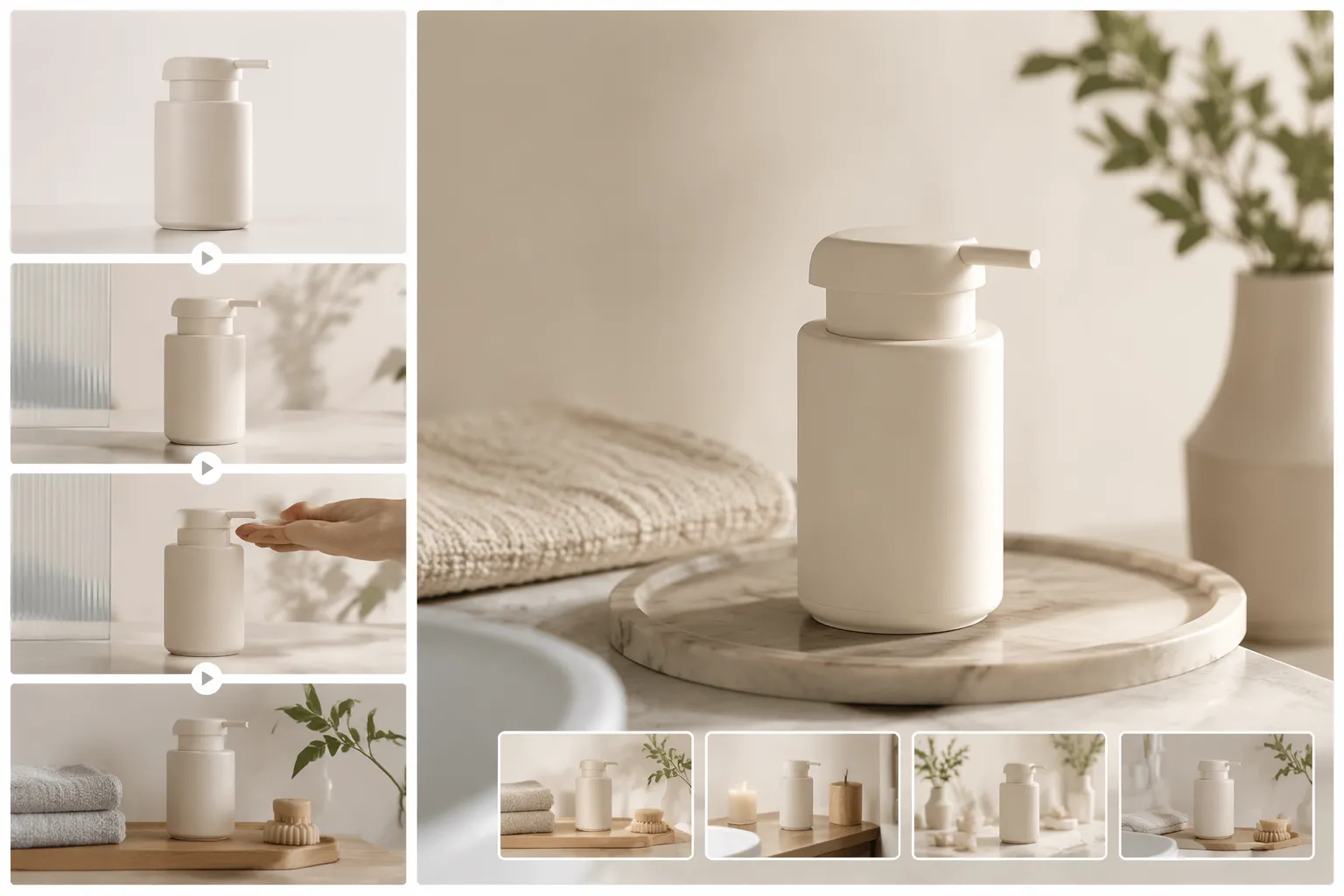
Product Motion for E-commerce Listings

E-commerce sellers can animate a product photo into a short demonstration, reveal, or lifestyle scene. Start with a clean product image, describe the movement and setting, and choose an aspect ratio that fits a product page, marketplace listing, or paid social placement.

Generate e-commerce advertising videos with an AI video generator

Marketing Video Concepts Before Production

Marketing teams can test several visual directions before committing to a shoot. Generate alternate hooks, camera moves, and visual moods from text or references, then use the strongest concept as a storyboard guide for an ad or campaign review.

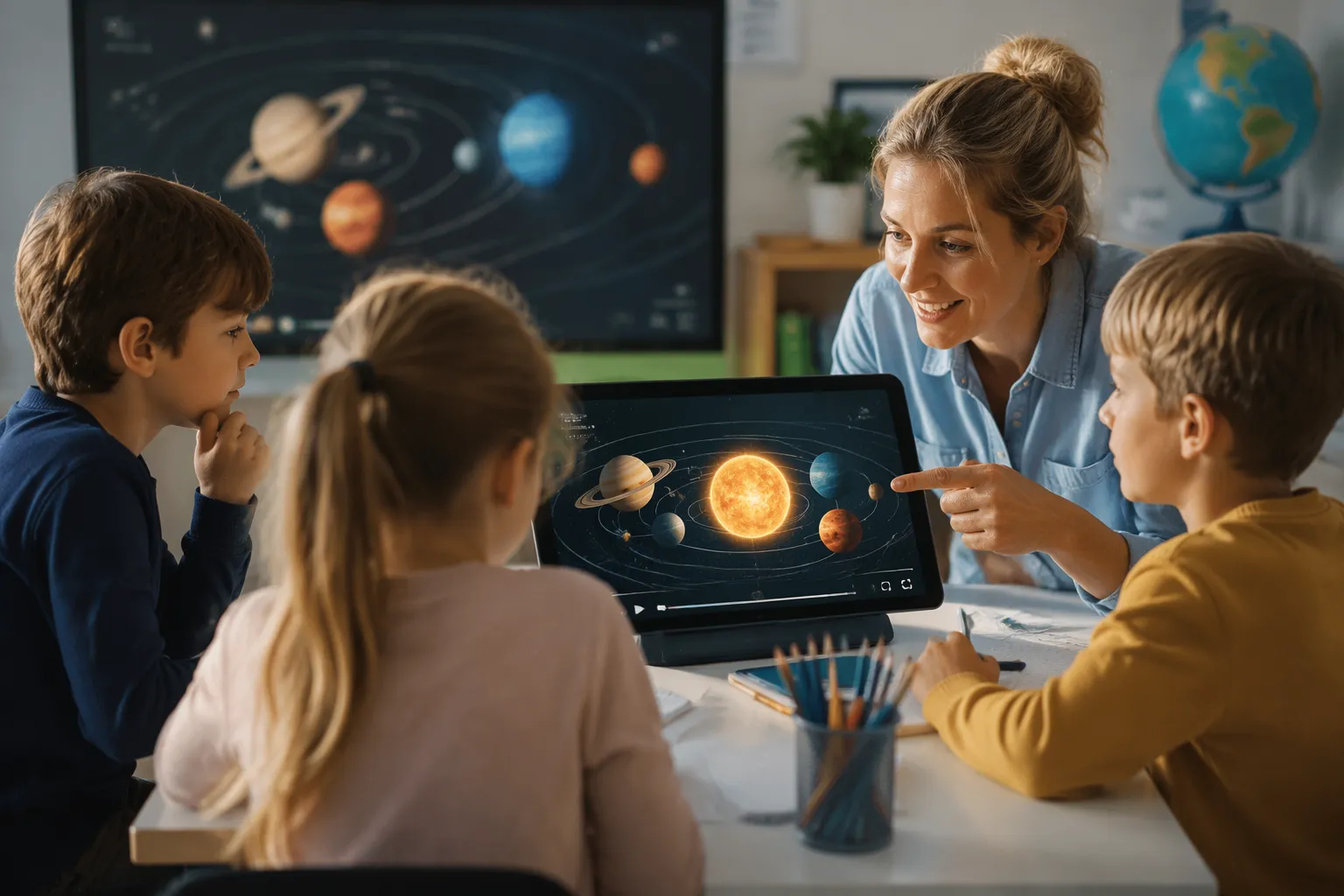
Generate educational videos with an AI video generator

Educational Explanations and Demonstrations

Teachers, course creators, and students can create short visual examples from written descriptions. A prompt can define a process, object, or scenario while the selected format and duration keep the result focused enough for a lesson, presentation, or study resource.

Why Use Our Free AI Video Generator Online

Start with Text, Images, or References

Choose the input that best matches your idea. Create a new scene from a prompt, animate a still image with first and last frame guidance, or use visual references to shape the subject, style, composition, and movement.

Control Motion and Output Settings

Describe the subject action, camera movement, pacing, atmosphere, and visual style in clear language. You can also select the model, aspect ratio, duration, and resolution to suit social media, product pages, presentations, or campaign concepts.

Create More Videos with Lower Costs

Traditional video production often involves expensive equipment, studio rentals, talent fees, and long editing cycles. AI video generation helps you create high-quality videos from text, images, or references while reducing production costs and saving time.

How to Make AI Videos with Our AI Video Generator Online

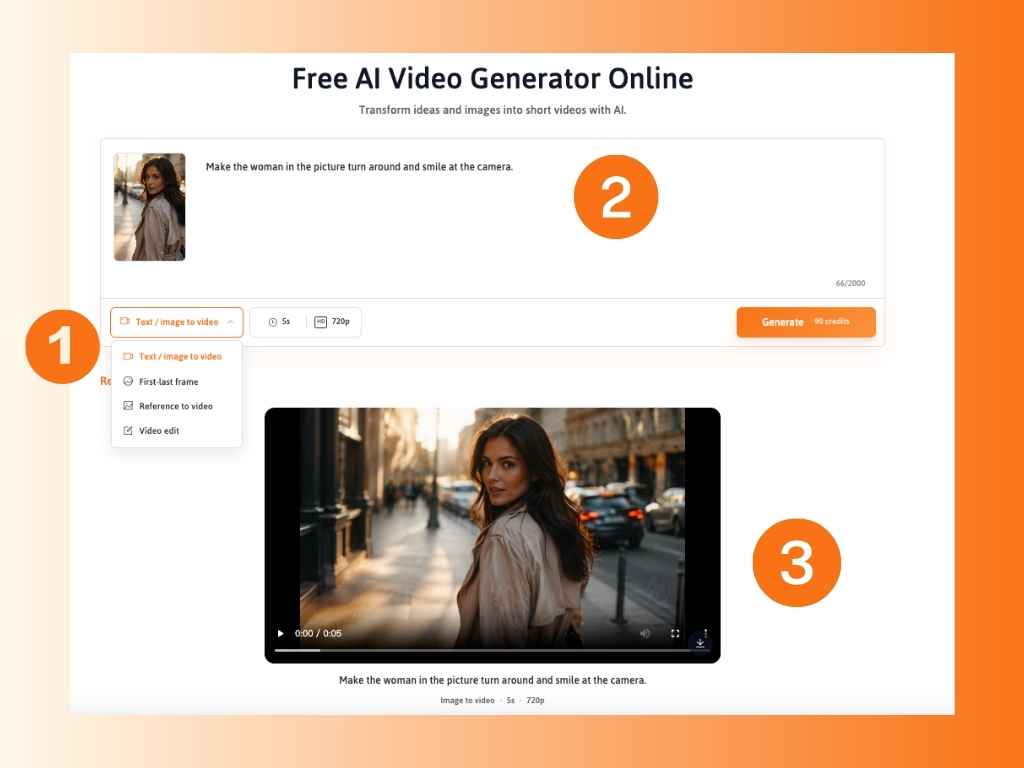
1

Choose a Creation Mode and Add Your Input

Choose a mode and add your input. Select image to video, text to video, or reference to video. Upload a first-frame image, an optional end frame, a reference image or video, or write the scene you want to create.

2

Write Your Prompt and Adjust Video Settings

Write the prompt and set the video parameters. Describe the subject, action, camera movement, speed, atmosphere, and visual style. Choose a model, aspect ratio, duration, and resolution based on the output you need and the credits you want to spend.

3

Generate, Review, and Refine the Video

Generate, preview, and refine. Create the clip, review the motion and consistency, then adjust the prompt, input, model, or settings when needed. When the result fits the concept, download the video for your project.

How to upscale an image online

What Creators Say About AI Video Maker

M
"I had product photos but no time to plan a separate video shoot for every launch. Starting with one image and a focused prompt gave me several short product-motion concepts that were easy to review with my team."
- Maya Thompson, E-commerce Marketer, United States
D
"I use short visual examples to make lessons easier to follow. Text to video helped me turn a written explanation into a scene draft, then I could adjust the prompt when the motion or framing needed to be clearer."
- Daniel Brooks, Online Educator, United Kingdom
S
"Using the AI Video Creator, reference input made it easier to explore movement without losing the original concept. I could test different camera directions and choose the strongest version for a client presentation."
- Sofia Alvarez, Independent Creative Director, Mexico

FAQs about Our AI Video Generator

What is an AI video generator?

An AI video generator turns text prompts, images, or visual references into short video clips. You describe the scene and motion, choose the appropriate mode and settings, then review and download the result.

How do I use the AI video generator online?

Choose Image to Video, Text to Video, or Reference to Video. Add your input, write a prompt describing the subject and movement, select the model and output settings, generate the clip, and refine it if necessary.

What is the best AI video generator for beginners?

The best AI video generator for beginners should support text, image, and reference inputs with clear generation settings. Start with a short prompt or one image, choose a suitable model and format, then preview and refine the result before downloading.

What video lengths are available?

You can create clips from 3 to 15 seconds, although the available duration may vary by model and configuration. Short formats suit quick product moments and social content, while longer options allow more time for actions, camera movement, and scene changes.

Can I control the first and last frame?

Image to Video supports a first-frame image and an optional end-frame image. The first frame defines how the clip begins, while the end frame helps guide its final composition or transition.

Can I choose the video ratio, duration, and resolution?

Yes. Before generation, you can set the aspect ratio, video duration, and resolution, then choose an AI video model based on the speed, visual quality, motion control, and creative style you need.

How many credits does a video use?

The exact credit cost is shown before generation. The required amount depends on the selected model, duration, resolution, and other settings. Daily free credits may be available, and additional credits can be purchased when needed.

How can I improve an AI-generated video?

Review the motion, subject consistency, composition, and pacing. Then make one focused change at a time, such as clarifying the prompt, replacing the input or reference, adjusting the end frame, or changing the model and output settings.

Can AI-generated videos be used for commercial projects?

Generated videos can support ads, ecommerce pages, branded social posts, websites, presentations, and other business content, provided your use follows the platform's current terms and relevant regulations. Make sure you have permission to use any uploaded photos, footage, faces, logos, characters, or other protected assets.

Can I download the generated video?

Yes. Once the preview matches your concept, download the video for social media content, advertising concepts, product detail pages, presentations, or other creative projects.