Free AI Image Upscaler Online

Upscale image quality online with PhotoEditorAI. Use AI to upscale images by 2x, 4x, 8x, or 16x with a simple one-click workflow.

Drag and drop your image here

Supports PNG, JPG, WEBP, BMP

png jpeg jpg webp bmp
Try these examples

Upscale Images Online for Web, Social, and Creative Use

A useful image often needs to appear in multiple places, from website sections and social posts to product pages, thumbnails, presentations, and campaign visuals. The problem is that many images look fine in a small preview but become soft, pixelated, or compressed when reused in a larger layout. PhotoEditorAI helps you upscale images online in a simple workflow, so you can turn an existing picture into a higher-resolution visual that feels more ready for publishing, sharing, and everyday creative work.If you want to keep the original image structure but change the style, mood, or creative direction, try the image to image AI generator .
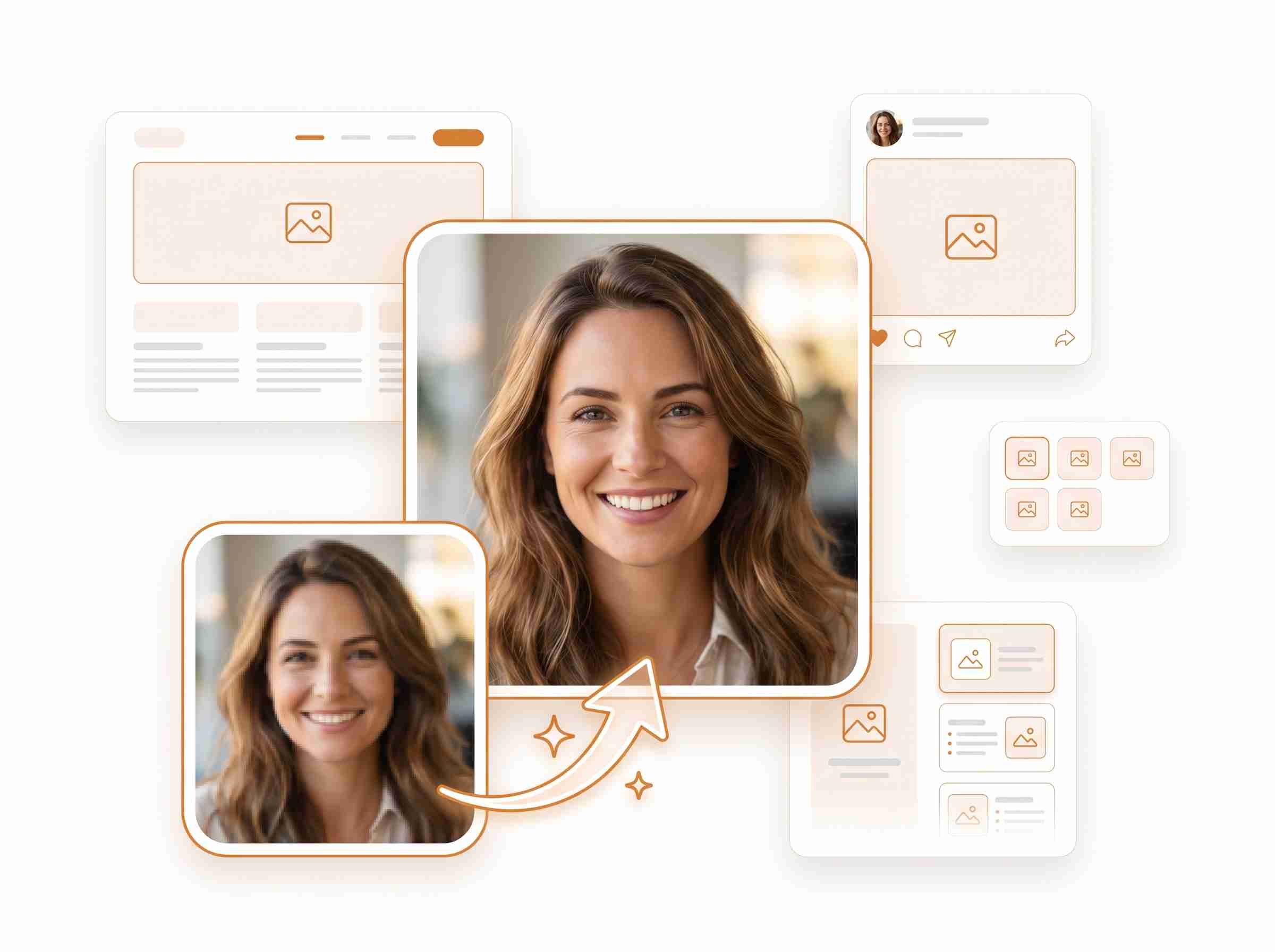
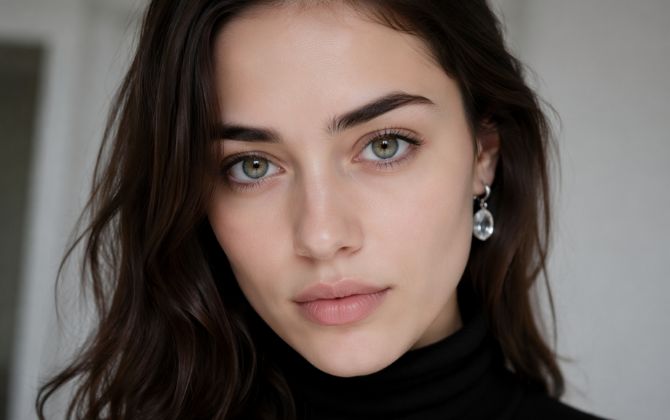
PhotoEditorAI AI image upscaler showing blurry portrait transformed into a sharper image for web and social use

AI Image Upscaler for Photos, Products, Anime, and Old Pictures

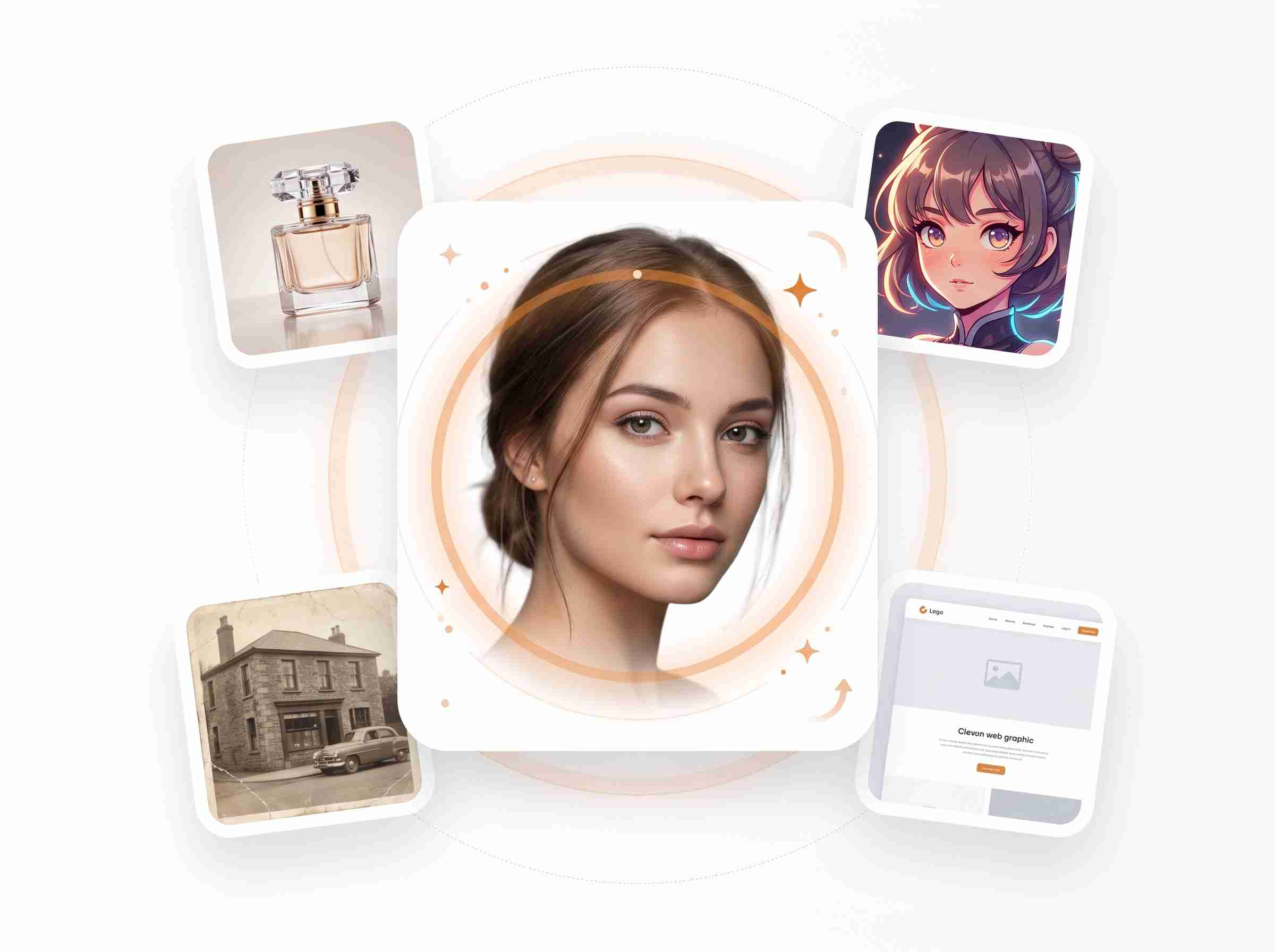
Not every image starts with perfect quality. A product photo may be exported too small, an old picture may come from a low-resolution device, and anime or portrait images may lose detail after being saved or shared many times. PhotoEditorAI works as an AI image upscaler for photos, products, anime images, portraits, old pictures, and web graphics, helping you improve the image you already have instead of searching for a better file or recreating the visual from scratch.If the original file is too small or no longer suitable, you can also create a fresh visual from scratch with the AI image generator.

PhotoEditorAI AI image upscaler for portraits, product photos, anime images, old pictures, and web graphics

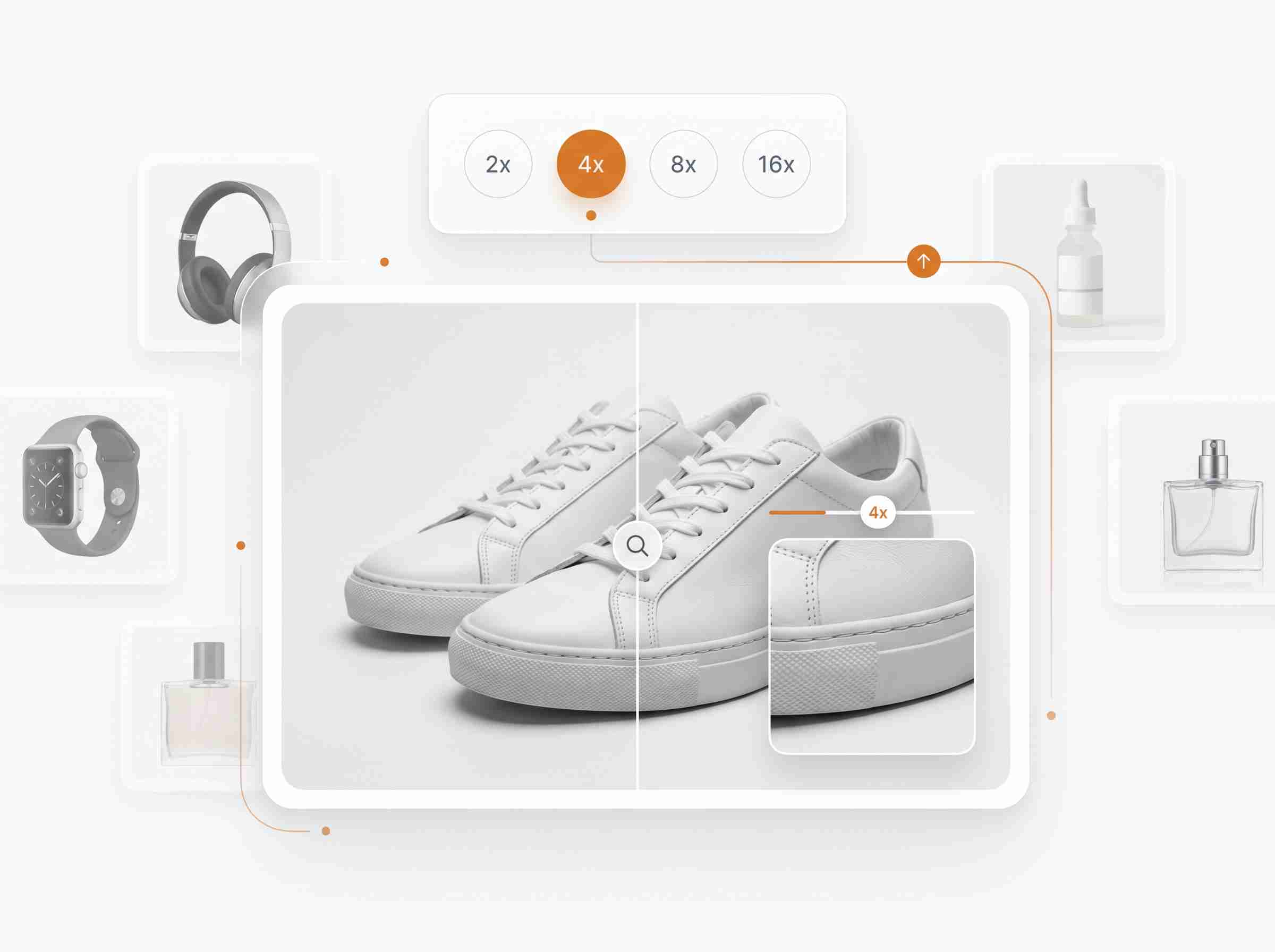
Upscale Image Resolution by 2x, 4x, 8x, or 16x

Different projects need different output sizes. A blog image may only need a small quality boost, while a landing page banner, product display, poster, or portfolio visual may require a much larger version. With PhotoEditorAI, you can upscale image resolution by 2x, 4x, 8x, or 16x through a simple one-click workflow. Choose the upscale level that matches your final use, preview the result, and create a higher-resolution image without dealing with complicated editing settings.

PhotoEditorAI AI image upscaler with 2x 4x 8x and 16x resolution options for product images

Use an AI Upscaler to Increase Image Quality

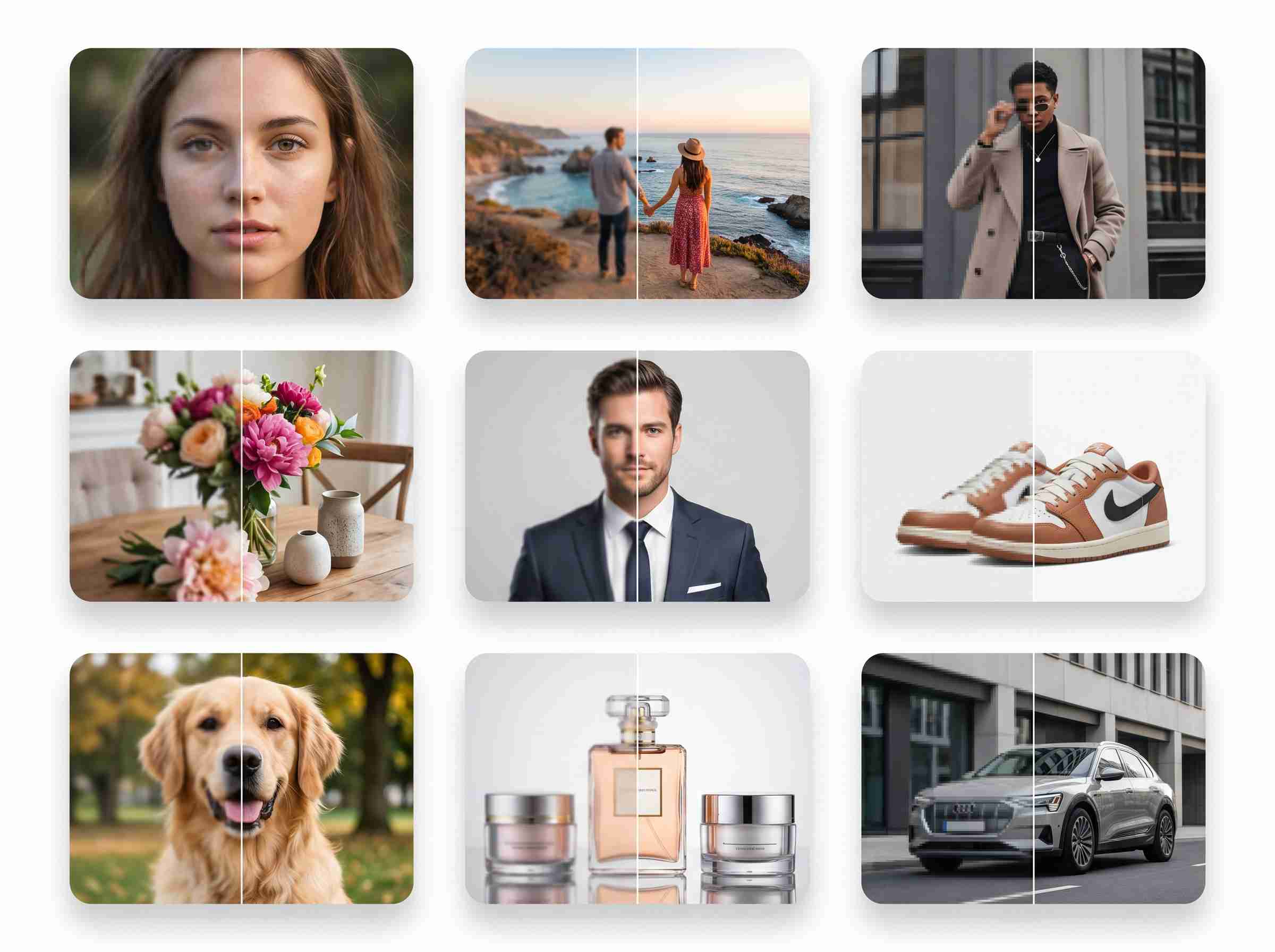
A low-quality image can make a page, listing, or post feel less polished, even when the content itself is strong. This is especially common with older assets, compressed social images, small product photos, and visuals passed between different platforms. PhotoEditorAI gives you a straightforward AI upscaler to help increase image quality online, making your images cleaner and more usable for ecommerce, blogs, social media, portfolios, presentations, and daily content updates.After improving image quality, you can continue with the AI photo editor to refine backgrounds, clean up details, or prepare the final visual for publishing.

PhotoEditorAI AI image upscaler before and after comparison for portraits, products, pets, and lifestyle photos

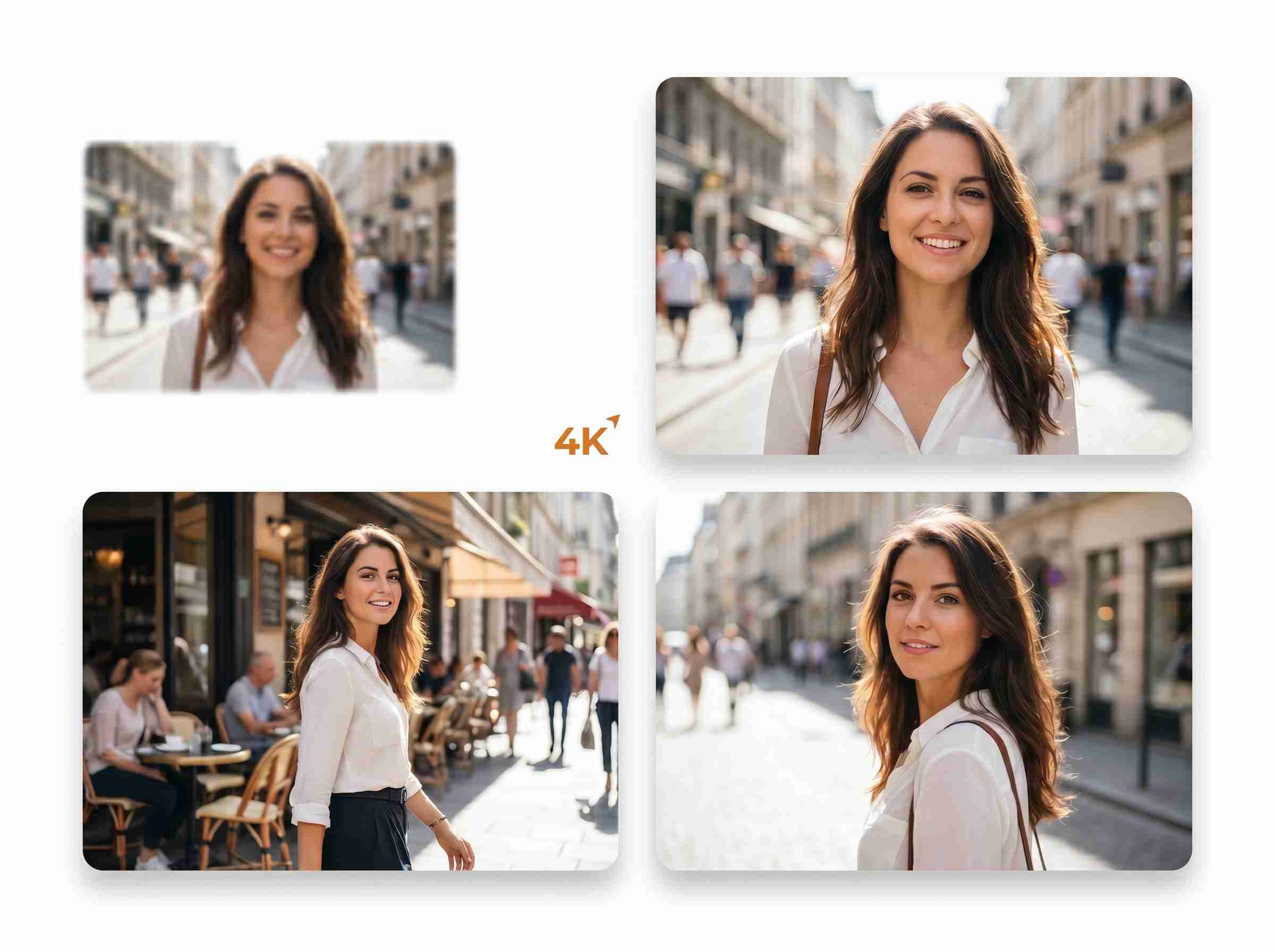
4K Image Upscaler for Higher-Quality Visual Results

A low-quality image can make a page, listing, or post feel less polished, even when the content itself is strong. This is especially common with older assets, compressed social images, small product photos, and visuals passed between different platforms. PhotoEditorAI gives you a straightforward AI upscaler to help increase image quality online, making your images cleaner and more usable for ecommerce, blogs, social media, portfolios, presentations, and daily content updates.After improving image quality, you can continue with the Nano Banana 2 to refine backgrounds, clean up details, or prepare the final visual for publishing.

PhotoEditorAI 4K AI image upscaler showing a blurry photo enhanced into larger sharp visual results

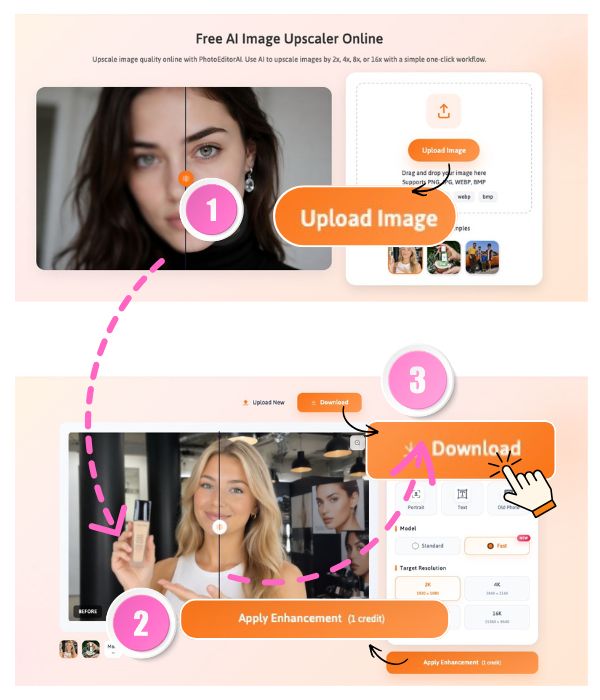
How to upscale an image online

1

Upload Your Image to the Image Upscaler

Start by uploading the image you want to improve. It can be a product photo, portrait, social media image, website graphic, anime artwork, old picture, or any visual that needs a higher-resolution version. For better results, choose an image where the main subject is clear and visible. Once uploaded, PhotoEditorAI will prepare your file for the AI image upscaler workflow.

2

Choose an Upscale Resolution Level

Select the upscale level that matches your original image and final use. PhotoEditorAI supports 2x, 4x, 8x, and 16x upscaling, so you can create a larger, higher-resolution version based on the quality of your uploaded file. For example, if your image is already close to 2K quality, you can choose higher output options such as 4K, 8K, or 16K. This makes it easier to upscale image resolution for web pages, product displays, banners, posters, or larger creative layouts without adjusting complex settings manually.

3

Preview and Download the Upscaled Image

After processing, preview the upscaled result and check whether it fits your project. If the image looks ready, download the higher-resolution version and use it for websites, online stores, social media, presentations, portfolios, personal archives, or creative work. The whole AI upscale process is designed to be simple, clear, and easy to repeat whenever you need to improve image quality online.

How to upscale an image online

Where to Use an AI Image Upscaler

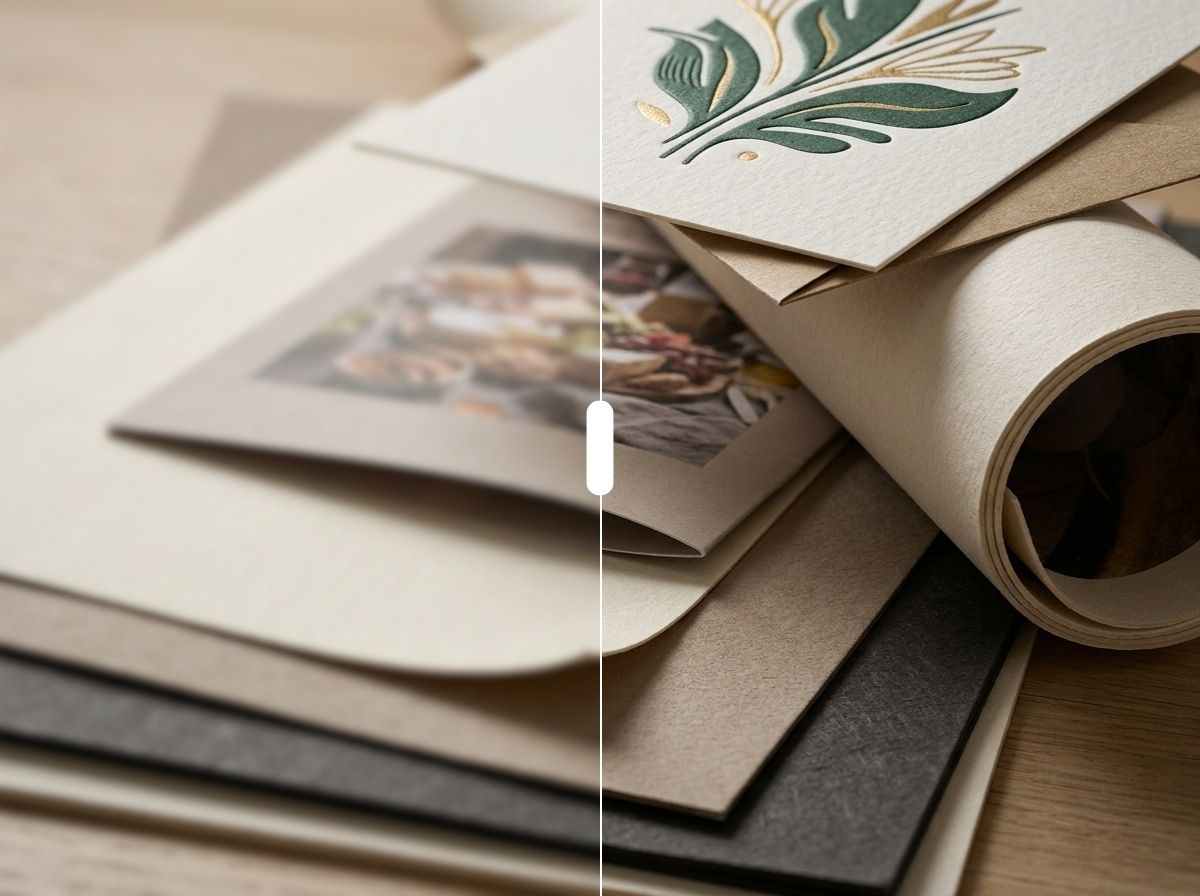
PhotoEditorAI AI image upscaler before and after for sharper printed artwork and paper texture

Print-Ready Images for Posters, Flyers, and More

Some images look fine on a screen, but fall apart once they are printed. Edges become soft, details look weak, and the final material feels less polished than expected. PhotoEditorAI helps you use an AI image upscaler to prepare higher-resolution images for posters, flyers, menus, invitations, wall art, and presentation materials, so your visuals have a better chance of looking clean in print.

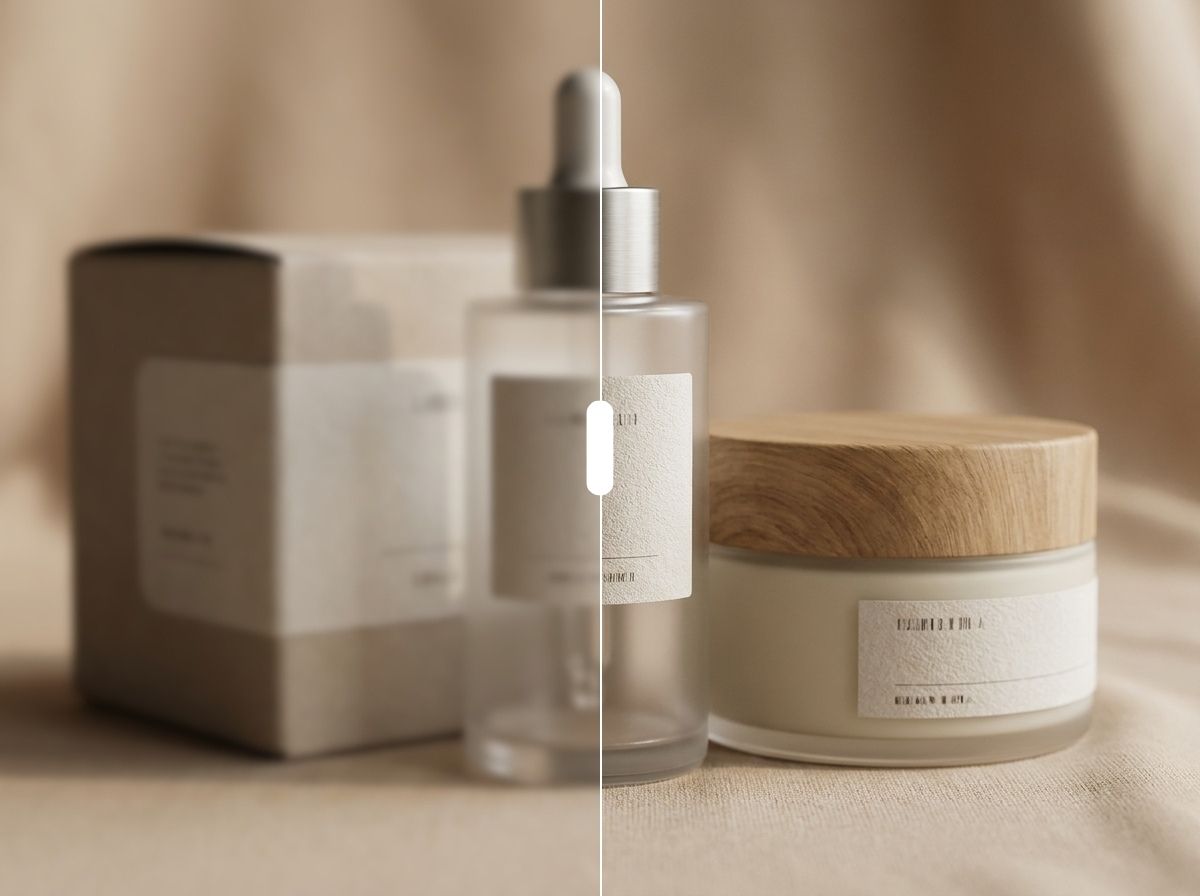
PhotoEditorAI AI image upscaler before and after for sharper skincare product photography

Clearer Product Photos for Online Stores

Product photos need to show texture, shape, color, and small details clearly. When an image is too small or compressed, customers may hesitate because they cannot see the product well enough. With PhotoEditorAI, you can upscale image quality for product pages, marketplace listings, catalogs, ads, and promotional banners, making existing product photos feel clearer and more reliable without reshooting every item.

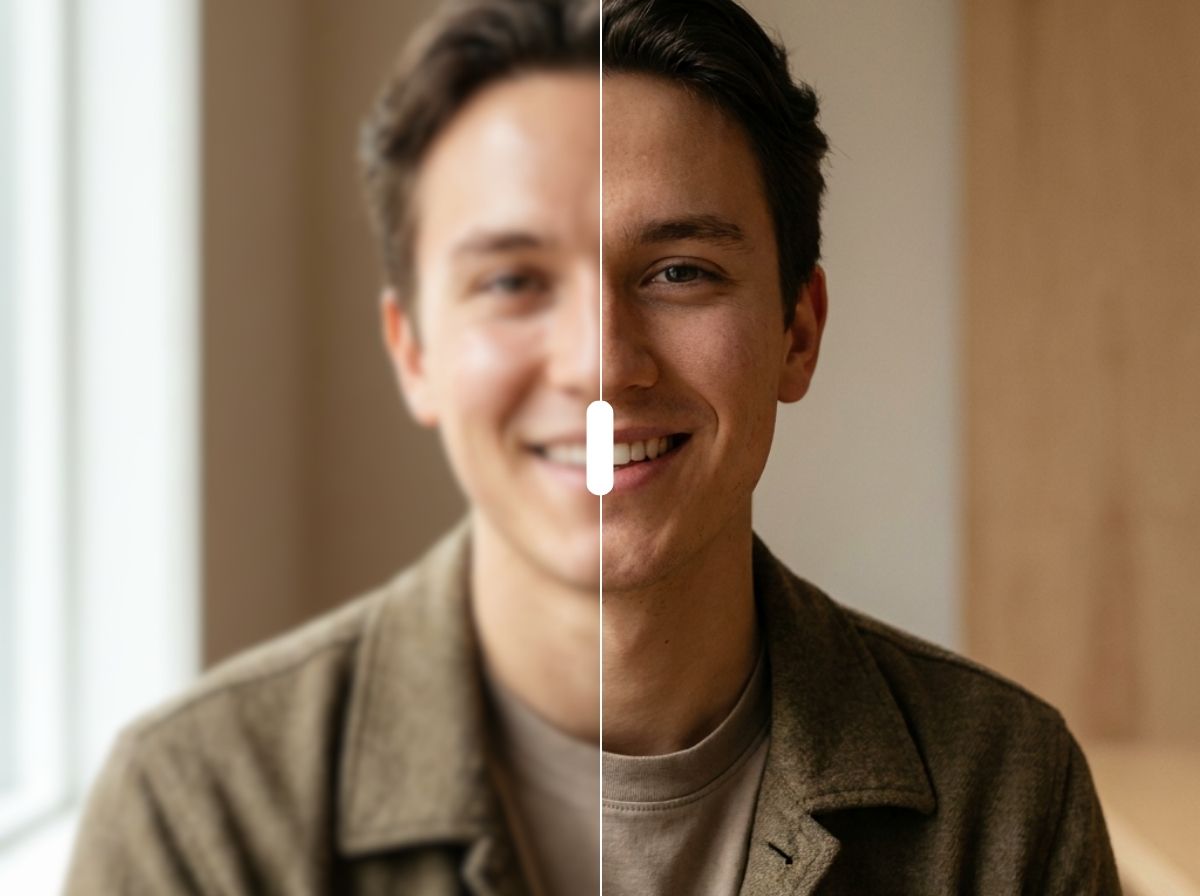
PhotoEditorAI AI image upscaler before and after improving portrait sharpness and facial details

Sharper Posts, Thumbnails, and Profile Images

Social platforms can make already-soft images look even worse after compression. This is especially noticeable in thumbnails, profile photos, carousel posts, campaign graphics, and content covers. PhotoEditorAI works as a practical AI upscaler for creators and marketers who want their visuals to look sharper before posting, so the image feels more polished in a busy feed.

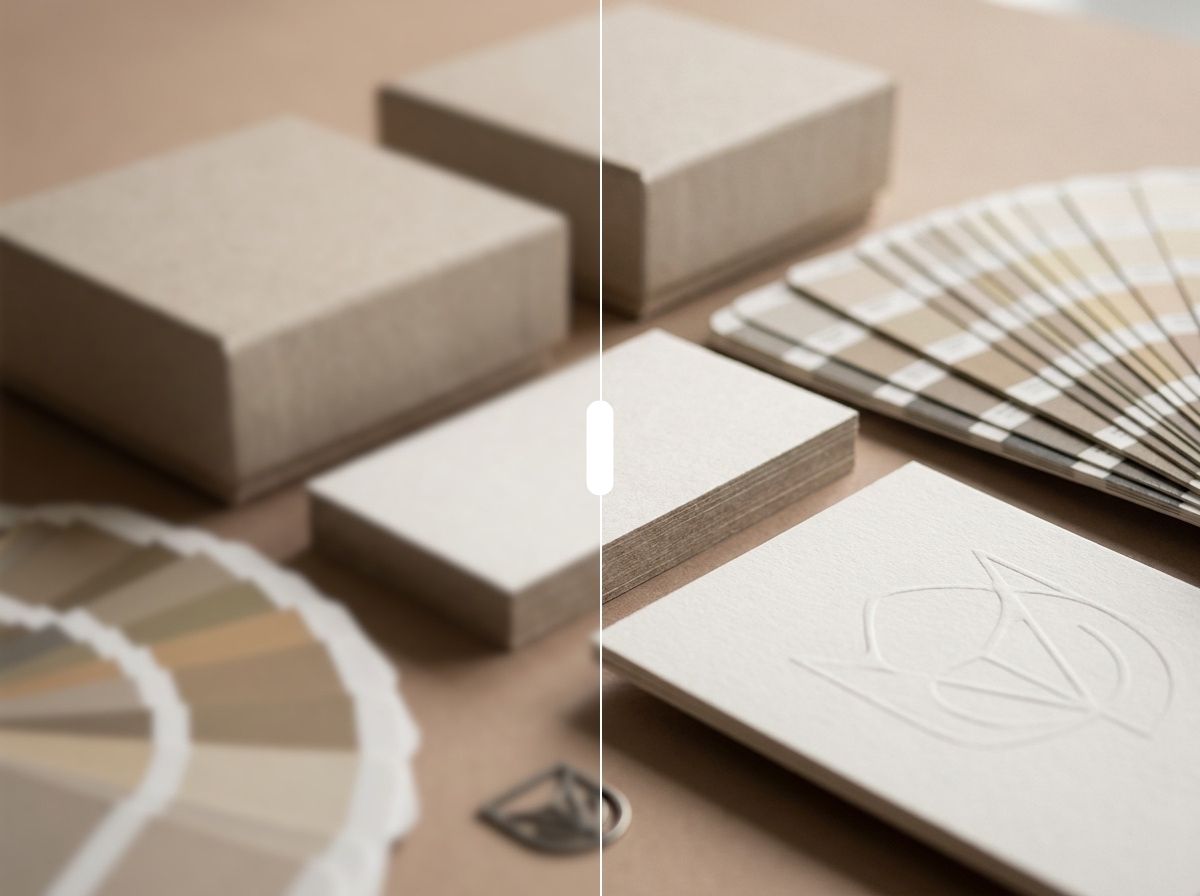
PhotoEditorAI AI image upscaler before and after enhancing branding materials and paper texture

Crisper Brand Visuals Across Every Channel

Brand visuals are often reused across websites, ads, emails, landing pages, and social media. If a logo, banner, or campaign image looks blurry in one place, it can weaken the whole brand impression. PhotoEditorAI gives teams an easy image upscaler online to improve brand assets and keep visuals looking crisp across different layouts and screen sizes.

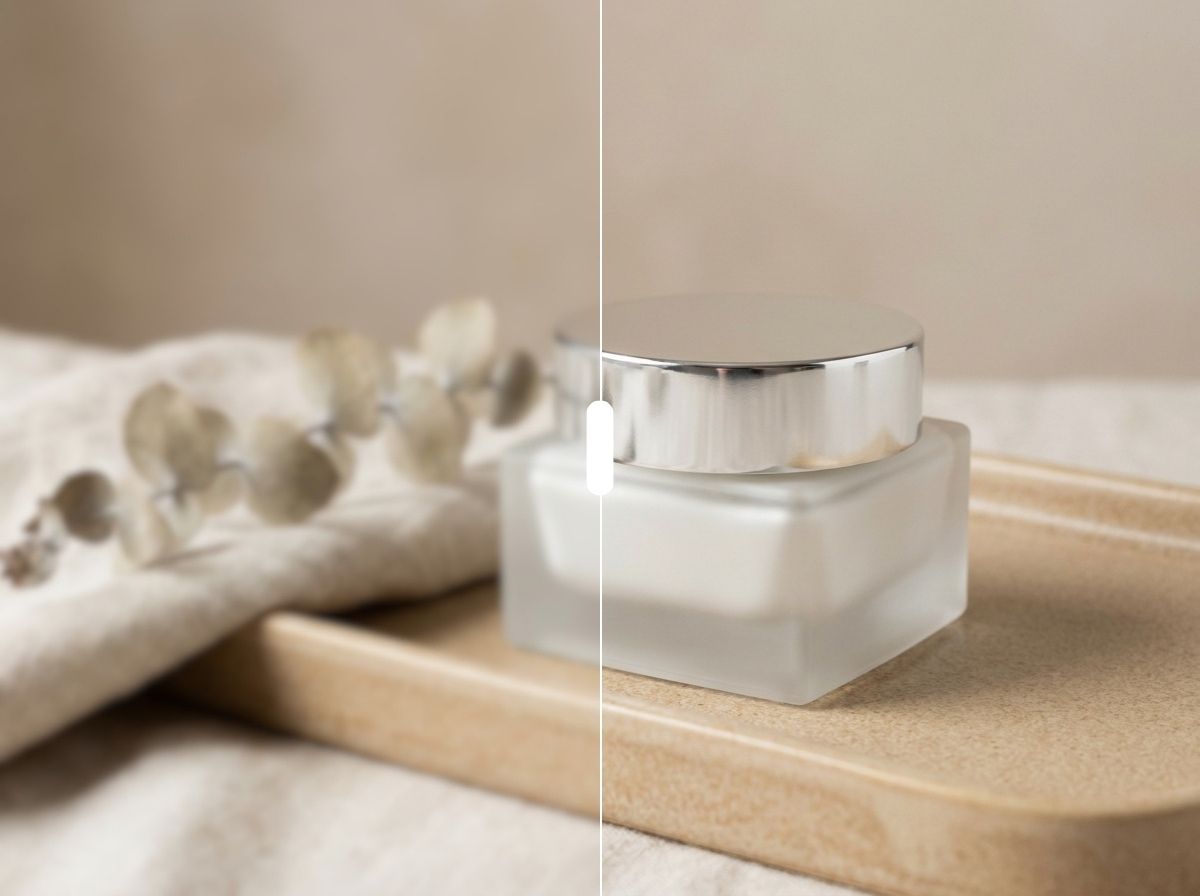
PhotoEditorAI AI image upscaler before and after showing clearer cosmetic cream product details

Better Website and Landing Page Images

A website can feel less professional when hero images, blog covers, feature cards, or product blocks look stretched or low quality. These problems become more obvious when images are placed in larger sections. PhotoEditorAI uses AI upscale processing to help prepare cleaner, higher-resolution visuals for web pages, so the design feels more complete and the image does not drag down the page.

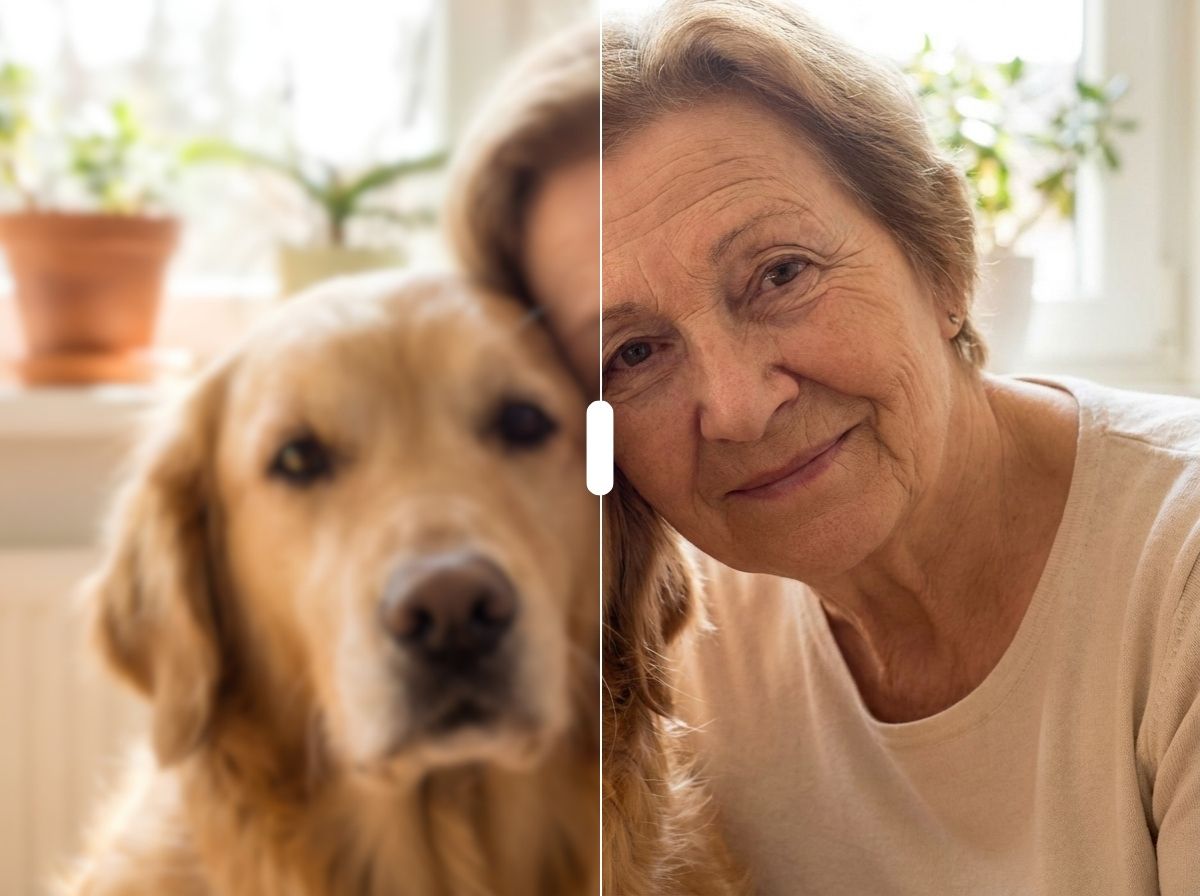
PhotoEditorAI AI image upscaler before and after enhancing portrait and pet photo clarity

Personal Photos Worth Keeping and Sharing

Not every important photo was taken in perfect quality. Old family pictures, saved chat images, travel photos, pet photos, and personal portraits may all need a better version for sharing, archiving, or reuse. PhotoEditorAI can also work as a simple photo upscaler, helping everyday users improve meaningful images without learning professional editing software.

Why Choose PhotoEditorAI AI Image Upscaler

Advanced AI Super Resolution

Increase image resolution with AI models designed to improve soft, low-quality, or compressed images while keeping the final result clean and usable.

2x, 4x, 8x, and 16x Upscaling

Choose the right upscale level for your image, from simple web use to larger visuals for product pages, posters, banners, and creative projects.

4K Image Upscaler Output

Create higher-resolution images for larger screens, sharper previews, and more polished visual layouts with PhotoEditorAI's 4K image upscaler.

Simple One-Click Workflow

Upload your image, choose an upscale level, and let the AI image upscaler create a higher-quality result without complicated editing settings.

Privacy-Friendly Processing

Uploaded images are handled securely and processed online, so you can improve personal photos, product visuals, and brand assets with more confidence.

Commercial-Ready Results

Use upscaled images for ecommerce listings, marketing visuals, website graphics, social media content, client work, and other personal or commercial projects.

What Users Say About Our AI Image Upscaler

M
"This image from image workflow is perfect for product variations. The image to image generator is intuitive, and the speed makes it easy to create many options for campaigns."
- Michael P., E-commerce Manager
E
"I used to have product photos that looked fine in thumbnails but became soft on product pages. Reshooting every item would take too much time, so I tried PhotoEditorAI to upscale my existing images. It helped me make the product details clearer for listings, especially for texture, packaging, and close-up display areas."
- Emma Carter, Ecommerce Store Owner
D
"Our team often reuses older blog covers, newsletter graphics, and social media images, but many files were too small for new layouts. PhotoEditorAI helped us upscale images without going back to the design team for every small update. It made our content workflow faster and kept our visuals more consistent across channels."
- Daniel Kim, Content Marketing Manager

FAQ About AI Image Upscaler

What is an AI image upscaler?

An AI image upscaler is an online tool that helps increase the resolution of an image. It is useful when a picture is too small, soft, or compressed for its final use. With PhotoEditorAI, you can upload an image and create a higher-resolution version for personal, creative, e-commerce, or marketing projects.

How to upscale images using AI?

To upscale images using AI, upload your picture to PhotoEditorAI, choose an upscale level such as 2x, 4x, 8x, or 16x, then preview and download the higher-resolution result. This image upscaler online handles the process in your browser, so you do not need to resize the image manually or use complex editing software.

How do AI image upscalers improve photo quality?

AI image upscalers improve photo quality by analyzing the original image and creating a higher-resolution version with clearer structure and more usable detail. Instead of simply stretching pixels, an AI upscaler helps improve the image so it can look better on websites, product pages, social media, print materials, and larger design layouts.

What is the difference between an AI upscaler and a normal image resizer?

A normal image resizer mainly changes the image dimensions, which can make a small image look blurry when scaled up. An AI upscaler is designed to create a higher-resolution version with better visual quality, making it more suitable for larger layouts, clearer previews, and professional-looking content.

Can I upscale image resolution to 4K?

Yes. PhotoEditorAI can help you upscale image resolution for larger output needs, including 4K-style results when the original image supports it. You can choose from 2x, 4x, 8x, or 16x upscale levels depending on your image quality and final use.

Will the AI image upscaler reduce image quality?

PhotoEditorAI is designed to help improve image resolution while keeping the result natural and usable. The final quality still depends on the original image. A clear image with visible details usually gives better results than a heavily blurred, damaged, or extremely compressed file.

What images can I use with the image upscaler online?

You can use the image upscaler online for product photos, portraits, social media images, website graphics, anime artwork, old pictures, personal photos, and brand visuals. It is useful when the image is already valuable but needs a higher-resolution version for better display.

Is PhotoEditorAI a free AI image upscaler?

Yes. PhotoEditorAI offers daily free credits so you can try the free AI image upscaler and test the upscale result online. You can upload your image, choose an upscale level, and use the available credits to improve image quality. If you need to process more images or use the image upscaler free workflow more often, you can purchase a credit plan from the PhotoEditorAI pricing page.

Can I use upscale images for commercial projects?

Yes, you can use upscale images for e-commerce listings, websites, ads, social media, client work, and other commercial projects, as long as you have the rights to use the original image. Upscaling improves the image file, but it does not change the ownership or copyright of the original content.

What is the best AI image upscaler for enhancing photo quality?

The best AI image upscaler tools are usually simple to use, support common image types, offer clear upscale options, and help create higher-resolution results without a complicated editing process. PhotoEditorAI is built for users who want to upscale image quality online for photos, product images, portraits, anime artwork, old pictures, and web visuals.