Free AI Photo Editor Alternative to EzEnhancer AI

Use PhotoEditorAI as an EzEnhancer AI alternative and free AI photo editor to transform images or ideas into polished visual drafts.

Reference images
0 / 5

JPG, PNG or WEBP. Up to 5 images, 24MB each.

0/1000
No result yet

Your generated images and videos will appear here.

What Is EzEnhancer AI?

EzEnhancer AI is an online AI image tool focused on improving and editing existing photos with AI-powered enhancement features. It helps users enhance image quality, restore details, and make visual adjustments through a simple editing workflow. PhotoEditorAI supports a broader creative process by combining AI image editing, image generation, and AI video generation for different visual projects.
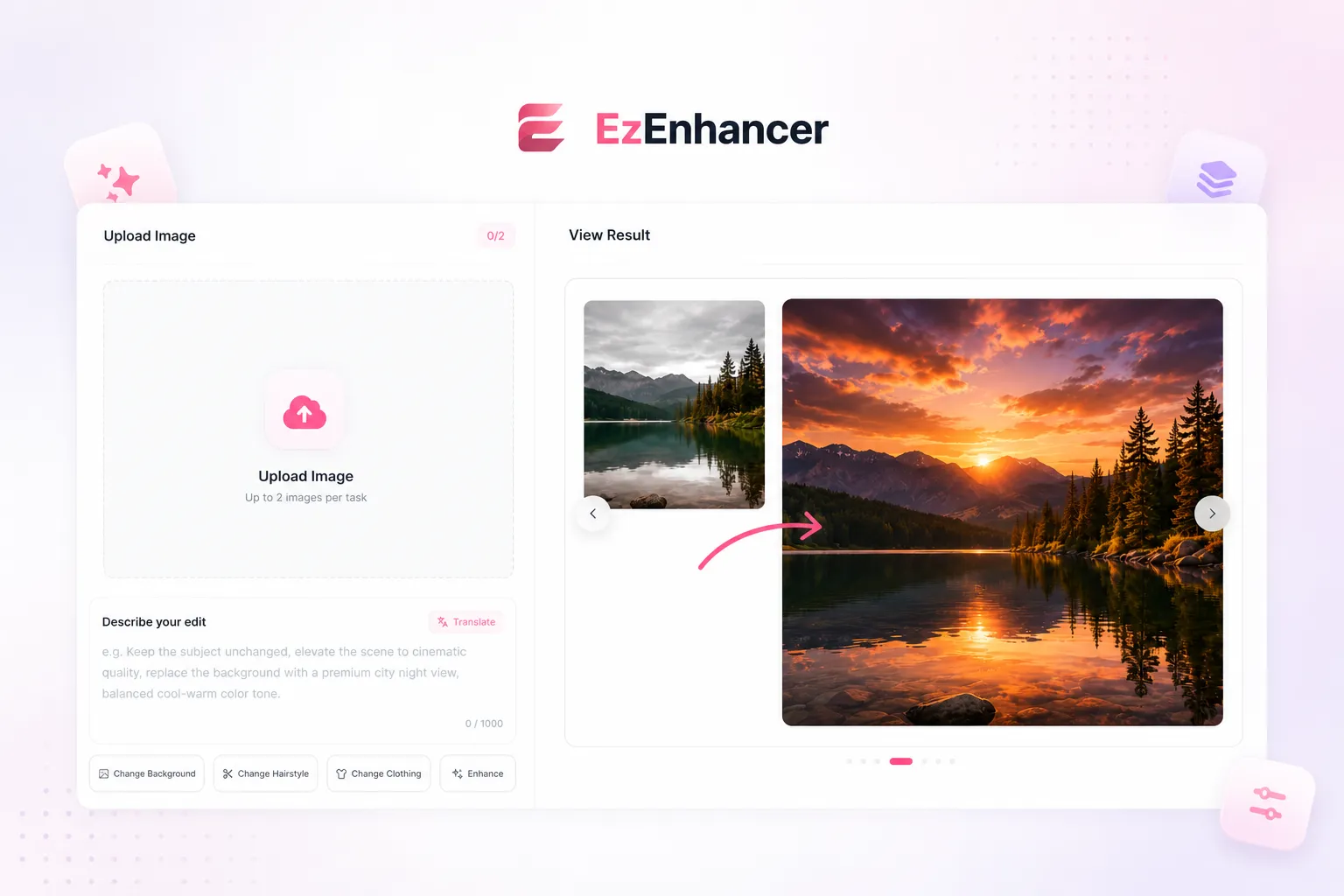
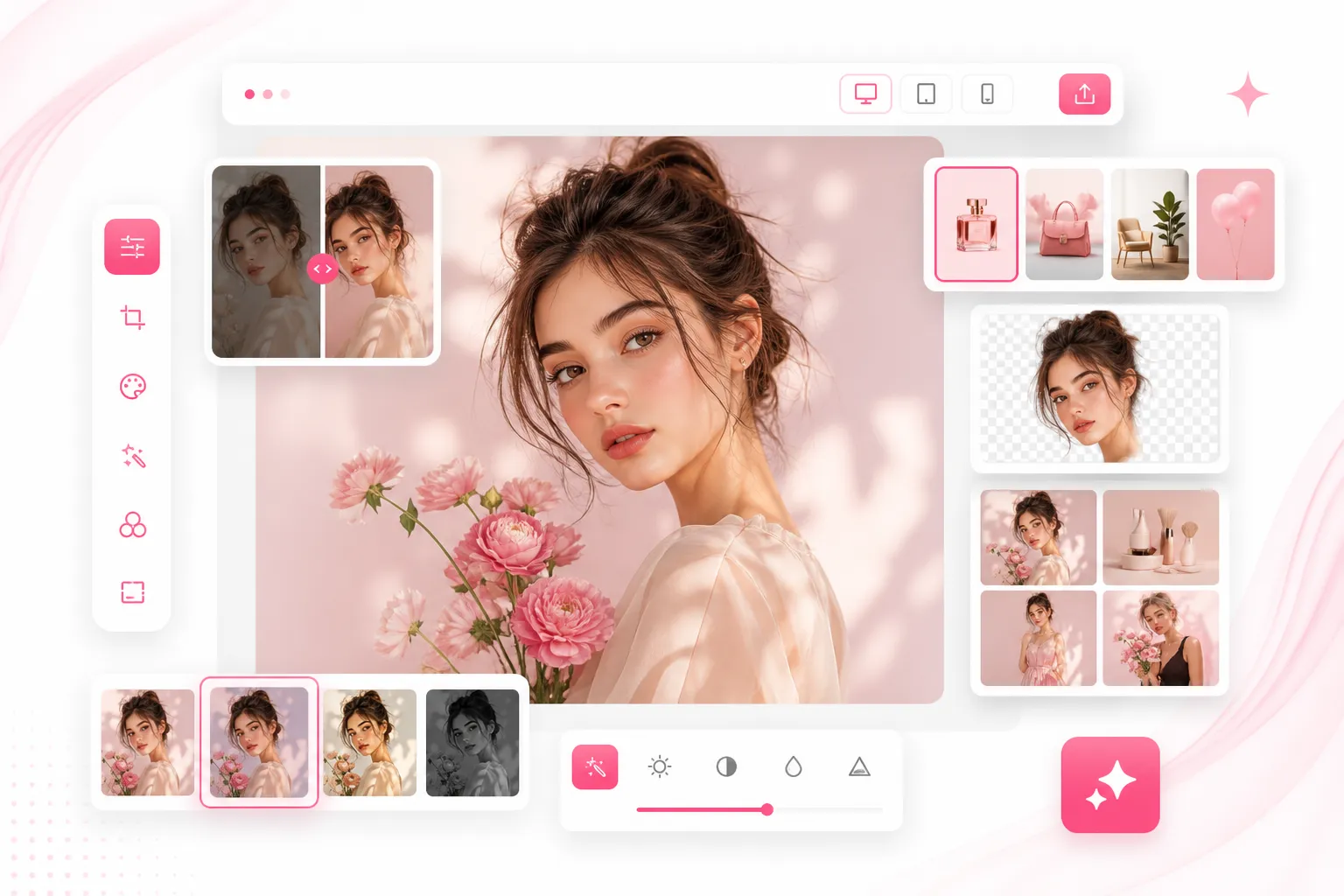
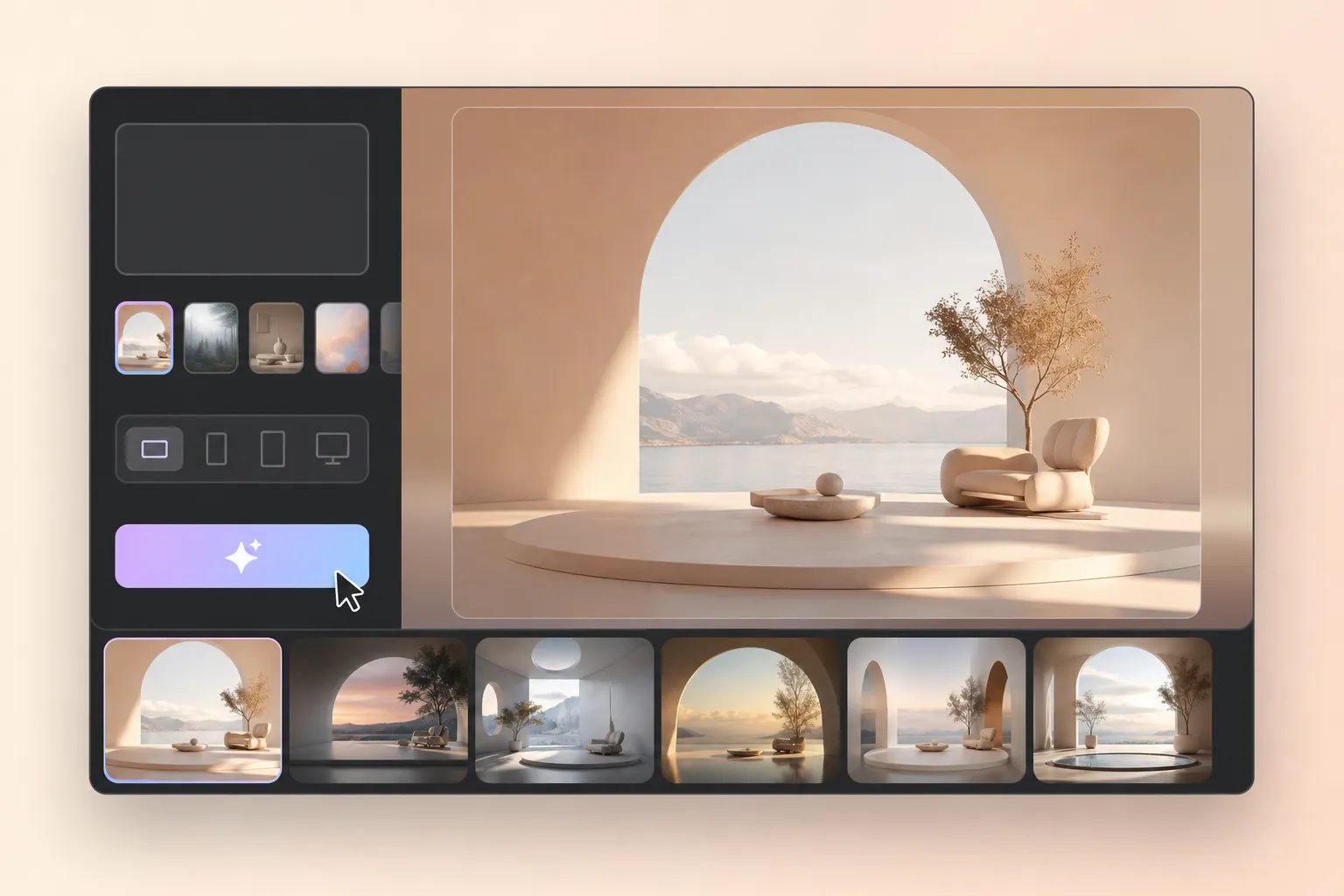
AI photo editing and enhancement visual example

EzEnhancer AI Alternative for AI Photo Editing

PhotoEditorAI is an EzEnhancer AI alternative for users who want a more flexible AI photo editor workflow. While EzEnhancer AI focuses on enhancing and refining existing images, PhotoEditorAI allows users to start with a photo or idea, apply creative edits, explore different visual directions, and create assets for ecommerce, portraits, marketing, and social content. When a project needs motion, you can also create videos with AI from your visual ideas.

PhotoEditorAI creative editing workflow example

EzEnhancer AI vs PhotoEditorAI: AI Image Workflow Comparison

Comparison Point EzEnhancer AI PhotoEditorAI
Primary Focus Focuses on enhancing and refining existing images through AI-powered improvement and editing features. Combines image enhancement, editing, and creative generation for users who want more ways to develop visual ideas.
Starting Material Works well when users already have a photo and want to improve its quality or adjust specific elements. Supports starting with an existing image, a text idea, or both depending on the creative goal.
Editing Approach Useful for users who have a clear image adjustment goal and want to improve the original visual. Helps users explore different visual directions through prompts, models, and image editing options.
Creative Flexibility Suitable for enhancing photos while keeping the original image as the main reference. Allows users to preserve key elements while experimenting with new styles, scenes, and creative changes.
Output Purpose A good fit for improving photos for personal use, sharing, or visual quality upgrades. Designed for creating visuals across ecommerce, marketing, portraits, advertisements, and social media projects.
Workflow Style A straightforward process for users who know the type of improvement they want to make. A broader creative workflow for users who need to test ideas, compare variations, and refine final visuals.
Best Fit Users looking for AI-powered photo enhancement and editing based on existing images. Users who need a more comprehensive AI photo editor for both image improvement and creative production.

Where EzEnhancer AI Alternative Helps

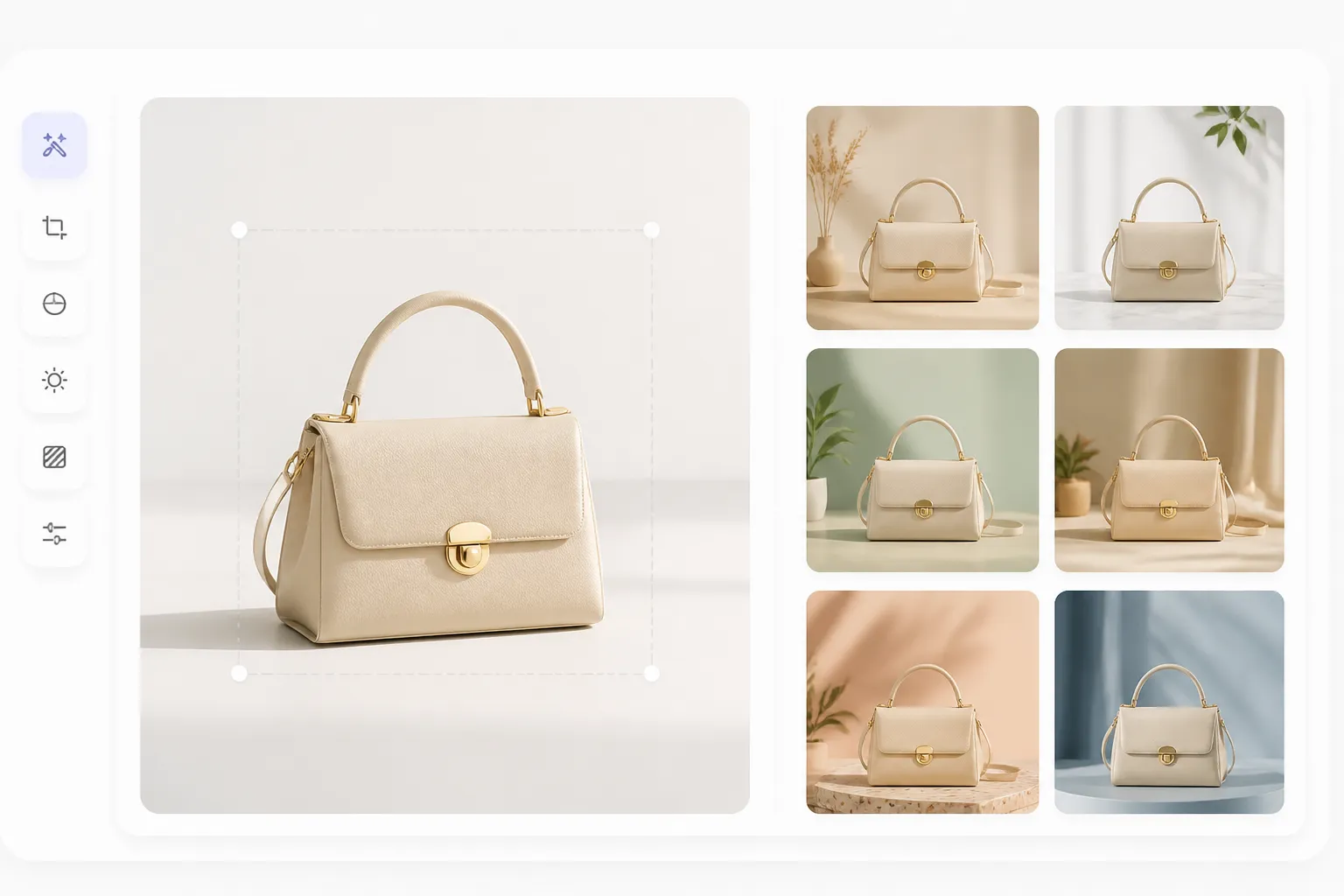
AI product image for an online store

Create Product Images for Online Stores

Turn a basic product photo into a more polished visual by changing backgrounds, adjusting the scene, or creating different presentation styles. Sellers can explore multiple product looks for ecommerce pages, advertisements, and promotional campaigns.

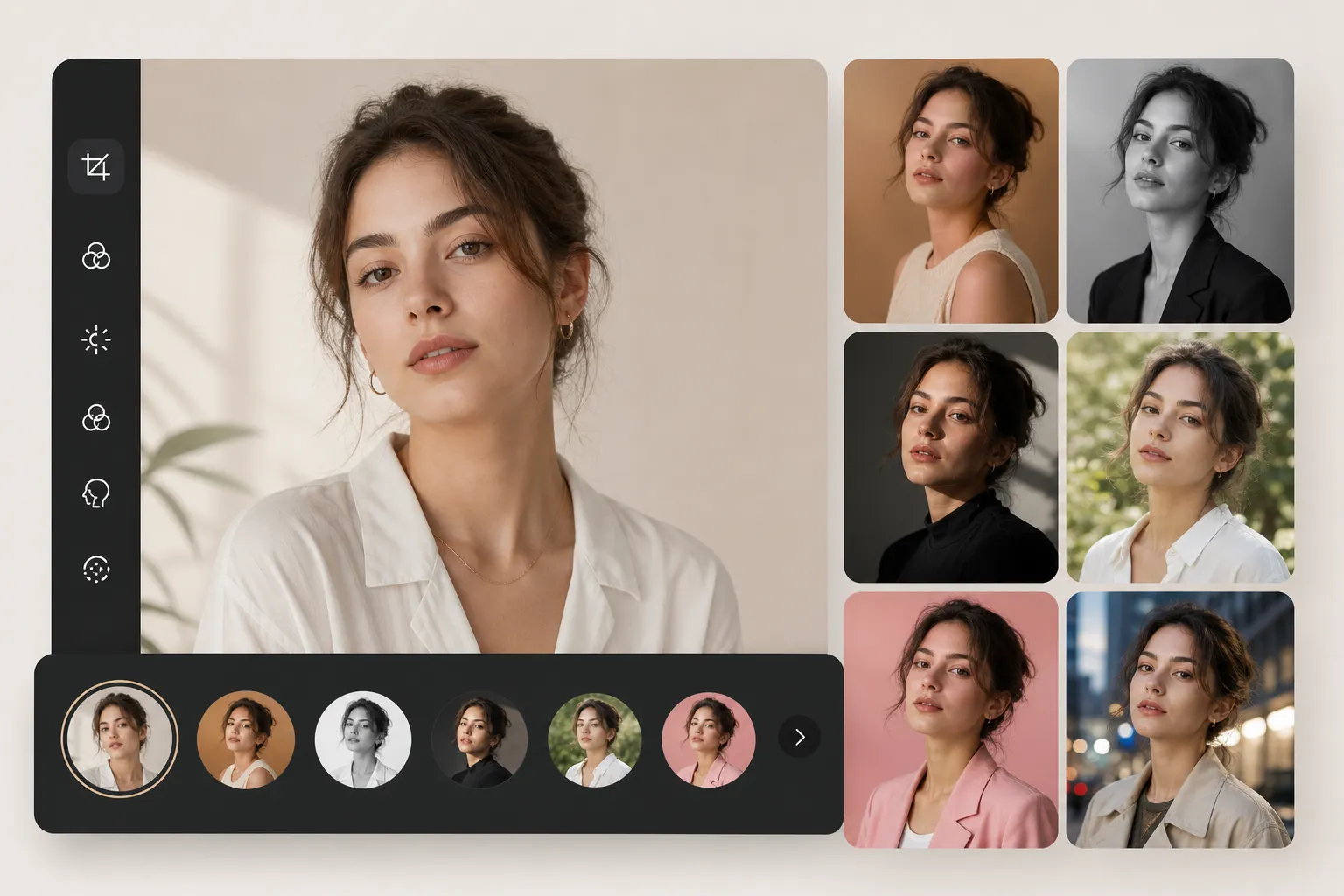
AI edited portrait with a new visual style

Edit Portraits for Different Creative Needs

Use existing portraits as a starting point and explore new styles, backgrounds, or visual directions. Creators can prepare profile images, personal branding materials, or campaign visuals without arranging a new photoshoot.

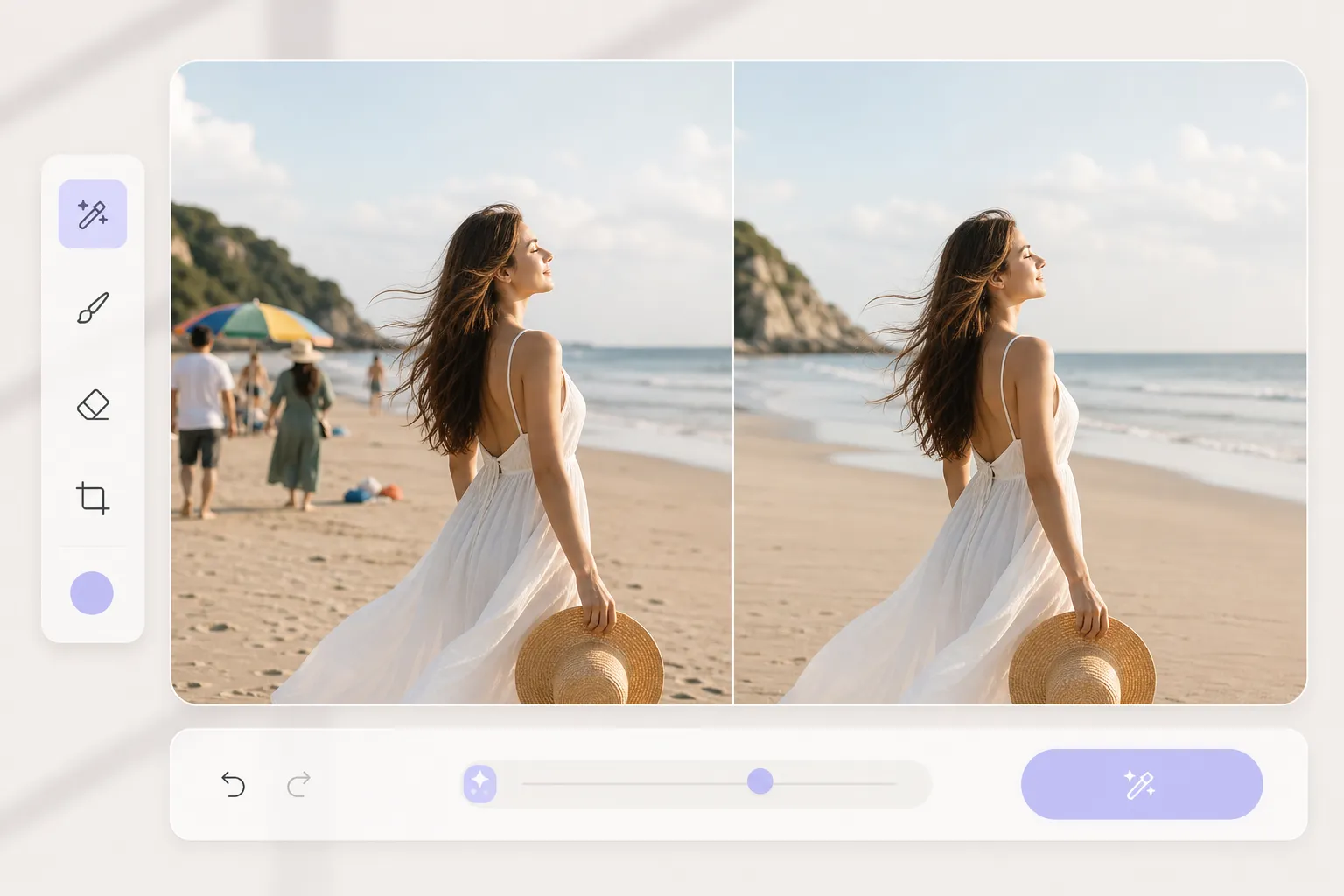
Photo with distracting elements removed

Remove Unwanted Elements From Photos

A great image can be affected by distracting objects or unexpected elements. AI editing tools help remove unwanted details, clean up the composition, and keep the main subject looking natural.

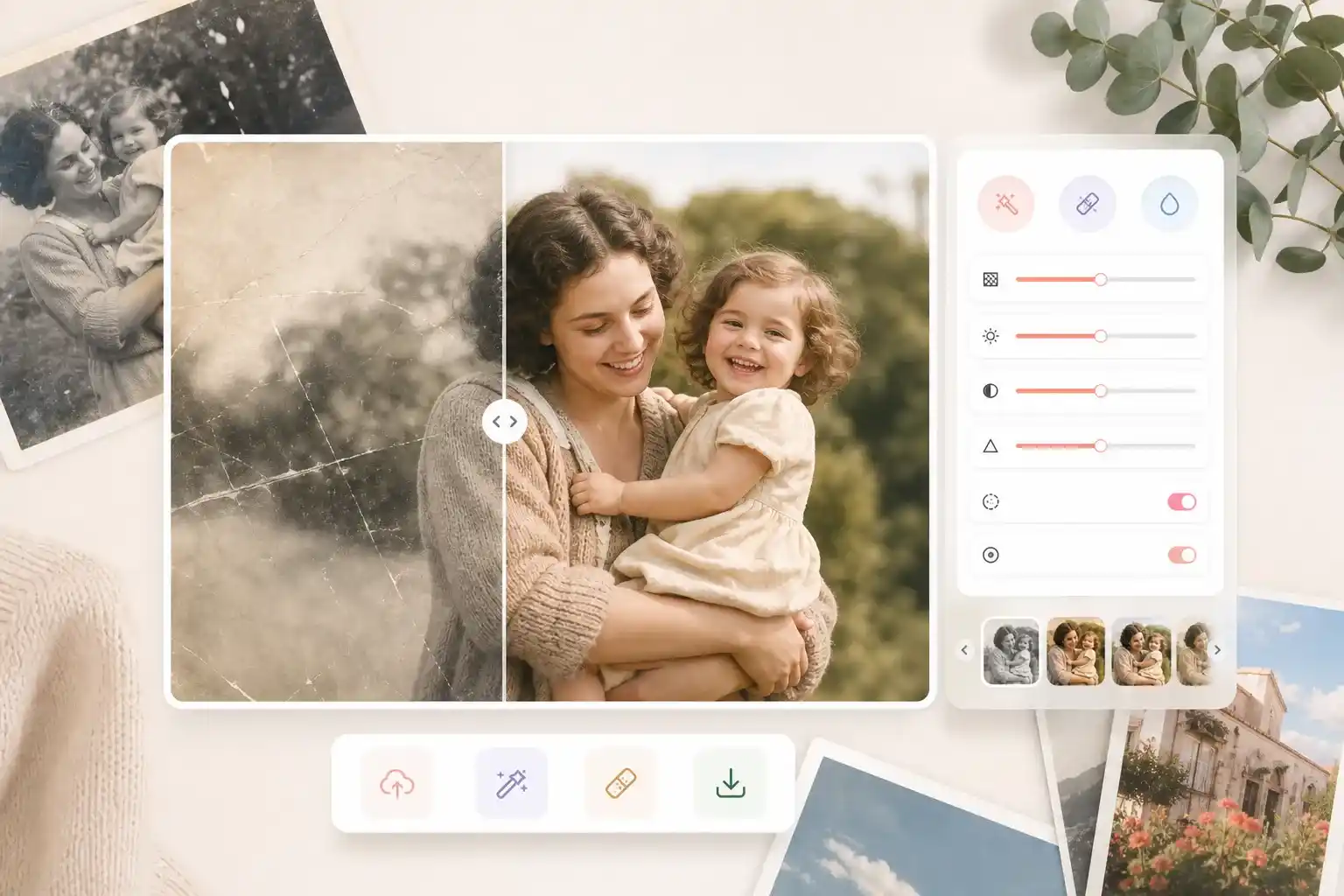
Restored and enhanced old photo

Restore and Enhance Important Memories

Old or damaged photos can be improved with AI-powered restoration features. Repair scratches, recover details, and enhance image quality while preserving the original feeling of meaningful photos.

Visual concept generated from a text prompt

Create Visual Concepts From Text Prompts

When you only have an idea, you can describe the scene, style, or composition you want and generate a visual draft. This helps creators and marketers explore new directions before final production.

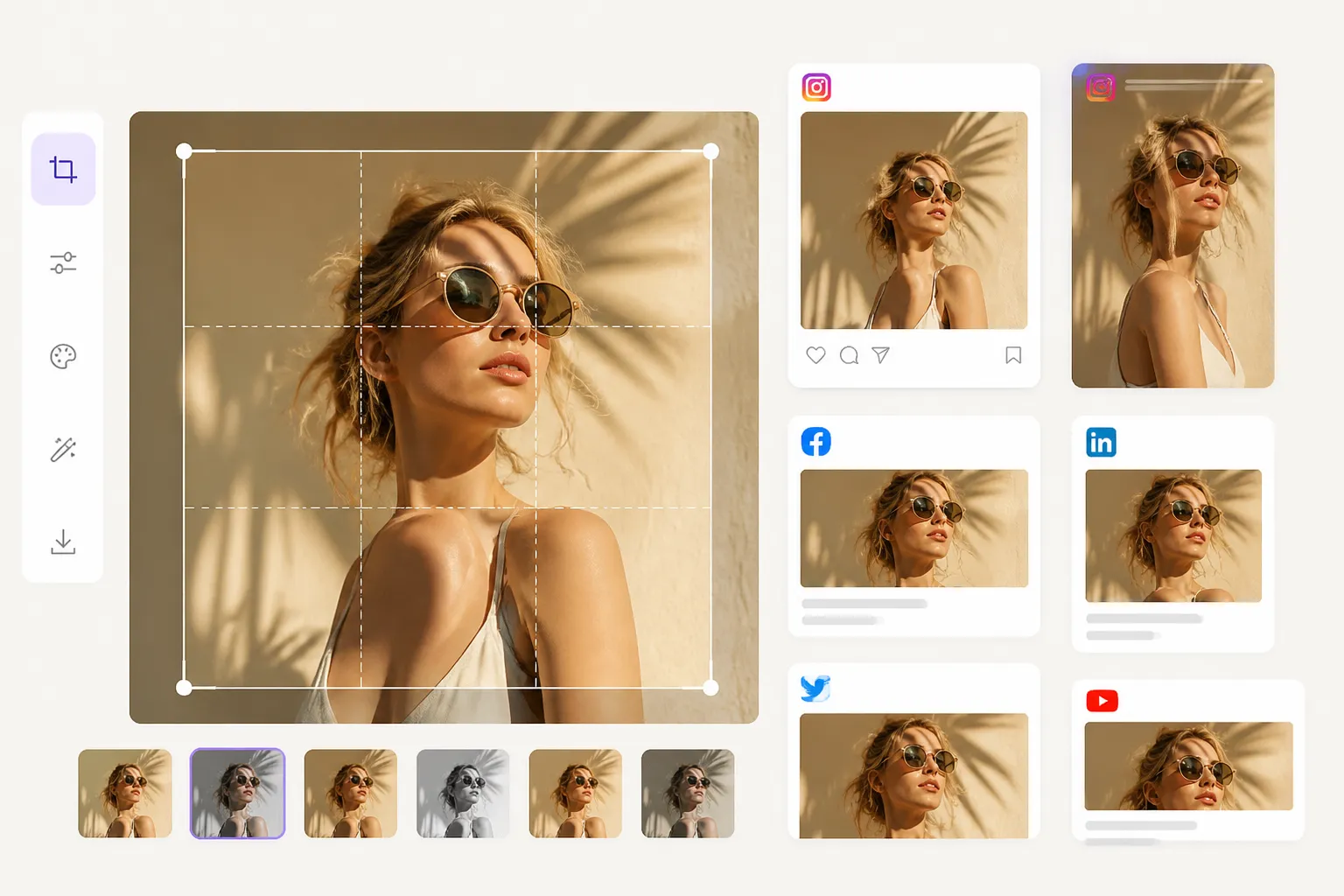
Creative image variations for different platforms

Prepare Content for Different Platforms

One image may need different versions for websites, ads, social media posts, or presentations. Adjust the style, composition, and output format to create visuals that fit each platform.

Why Consider PhotoEditorAI as an EzEnhancer AI Alternative

Start With Your Image or Idea

A visual request often starts with uncertainty: what should the product feel like, where should the portrait belong, or what scene makes the message understandable? PhotoEditorAI lets that question shape the starting image or written request.

Keep Key Details Consistent

When a product, person, or place must remain recognizable, the uploaded image can carry the visual evidence into the request. The new direction can focus on context without losing sight of the elements that matter.

Make Visual Decisions Earlier

Words such as clean, premium, warm, or energetic can mean different things to different people. Exploring several visual directions helps teams discuss the right style before investing in detailed production.

Share Clear References Across Teams

The same visual idea may need input from sellers, marketers, designers, or clients. Downloadable drafts give everyone a shared reference and make feedback more specific during the creative process.

Test Ideas Before Full Production

Not every early concept requires a complete design file. A generated image can help evaluate composition, atmosphere, and subject emphasis before moving into final production.

Choose a More Complete Editing Workflow

As an EzEnhancer AI Alternative, PhotoEditorAI connects image input, AI models, editing options, enhancement tools, review, and download in one workflow, giving users more ways to create and refine visuals.

How to Use PhotoEditorAI as EzEnhancer AI Alternative

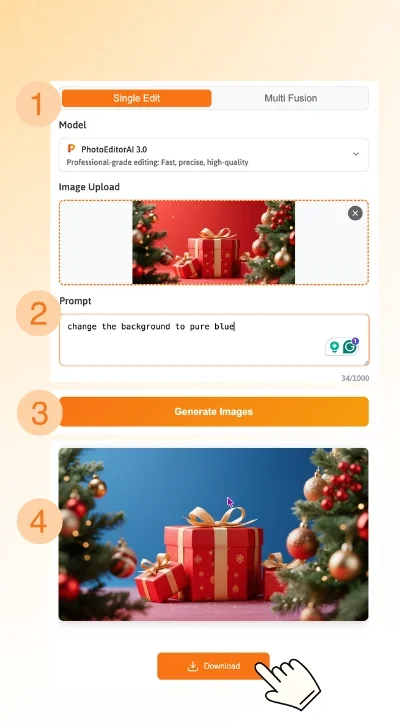
Upload an Image or Start With an Idea

Drop in an existing photo when you want to keep important subjects, or start with a concept when creating a new scene, mood, or composition.

Describe Your Editing Goal

Explain what you want to change, including the subject, style, and key visual details. Add context about the final use case when it affects the image direction.

Review, Refine, and Download

Check the generated result against your goal, adjust the prompt if needed, and download the final version for your project.

Steps to create and edit images with PhotoEditorAI

EzEnhancer AI Alternative FAQ

What is the difference between EzEnhancer AI and PhotoEditorAI?

EzEnhancer AI focuses mainly on improving existing photos through enhancement-related tasks. PhotoEditorAI covers a wider range of AI image workflows, combining creative editing, image generation, and enhancement features in one platform.

Is EzEnhancer AI Alternative free to use?

Yes. PhotoEditorAI provides free daily credits that you can claim for AI image editing. If you need more edits or want to use additional models and features, you can purchase extra credits as needed.

Can PhotoEditorAI improve image quality like EzEnhancer AI?

Yes. PhotoEditorAI supports image enhancement tasks such as improving details, increasing resolution, and restoring older images. Users can enhance photos while also accessing additional editing capabilities when they need more than quality improvement.

Does EzEnhancer AI Alternative support multiple AI models?

Yes. PhotoEditorAI provides multiple AI models for different image creation and editing requirements. Users can choose models based on whether they want to modify an existing image, create a new visual direction, or improve image details.

Can PhotoEditorAI handle creative edits beyond enhancement?

Yes. In addition to improving image quality, PhotoEditorAI can help users edit backgrounds, remove unwanted elements, adjust visual styles, and create new image variations for different creative purposes.

Can I use EzEnhancer AI Alternative to restore old or damaged photos?

Yes. EzEnhancer AI Alternative supports photo restoration workflows that help repair old images, recover details, and improve the appearance of aged photos while keeping important visual elements recognizable.

What types of projects work well with EzEnhancer AI Alternative?

EzEnhancer AI Alternative can support a wide range of projects, including ecommerce images, portraits, advertising visuals, social media content, personal photos, and creative design drafts.

Can I combine image editing and enhancement in one workflow?

Yes. Users can first edit an image, adjust creative elements, or explore new visual directions, then apply enhancement features to prepare the final result for publishing, sharing, or other uses.

Does PhotoEditorAI offer more flexibility for different image tasks?

PhotoEditorAI is designed for users who need more than a single-purpose image tool. With multiple models and different editing capabilities, it supports both creative exploration and practical image improvement.

Can I use images created with EzEnhancer AI Alternative for commercial projects?

You can use PhotoEditorAI for creating visuals for business and marketing projects, but commercial use should follow the platform's current terms. You should also make sure you have the necessary rights to any uploaded images, logos, characters, or other source materials.