Free AI Photo Editor Alternative to TapEdit AI

Looking for a TapEdit AI alternative? Use PhotoEditorAI as a free AI photo editor to turn photos or text ideas into editable image drafts.

Reference images
0 / 5

JPG, PNG or WEBP. Up to 5 images, 24MB each.

0/1000
No result yet

Your generated images and videos will appear here.

What Is TapEdit AI?

TapEdit AI is an online AI photo editing tool for users who want to transform images through prompts and AI-powered edits. It can support creative tasks such as product visuals, portraits, and social content. PhotoEditorAI expands this workflow with multiple AI models, stronger subject consistency for character and portrait editing, and more specialized image enhancement capabilities covering areas such as photo restoration, image upscaling, photo enhancement, and image quality improvement.
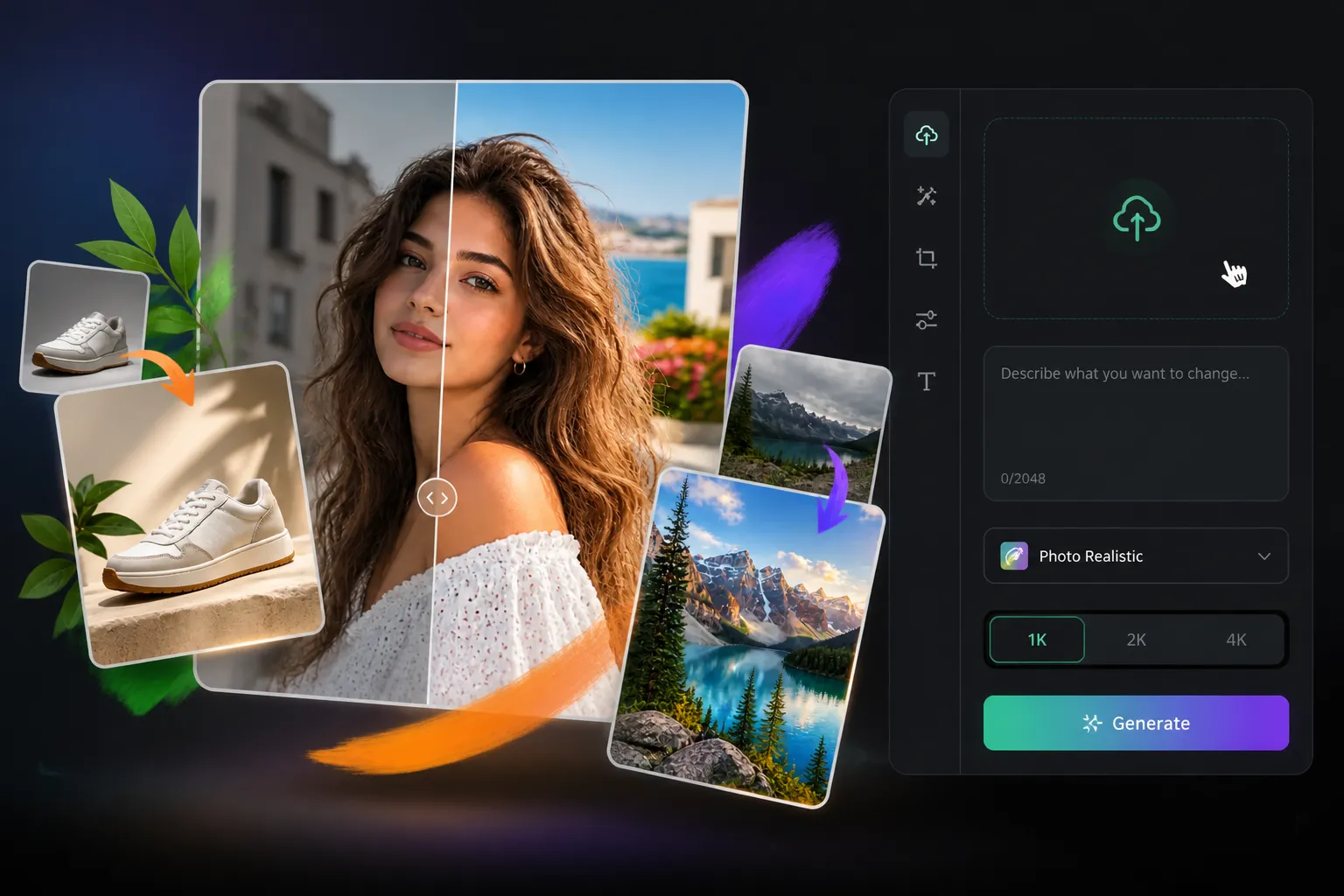
AI photo editing example for product and portrait visuals

TapEdit AI Alternative for AI Photo Editing

PhotoEditorAI is a practical TapEdit AI alternative for users who want more flexibility in AI image creation and editing. Choose from multiple AI models, start with an image or text prompt, and refine visuals with editing and enhancement features. You can also upscale your image when you need sharper results for ecommerce, portraits, campaigns, ads, or social content.

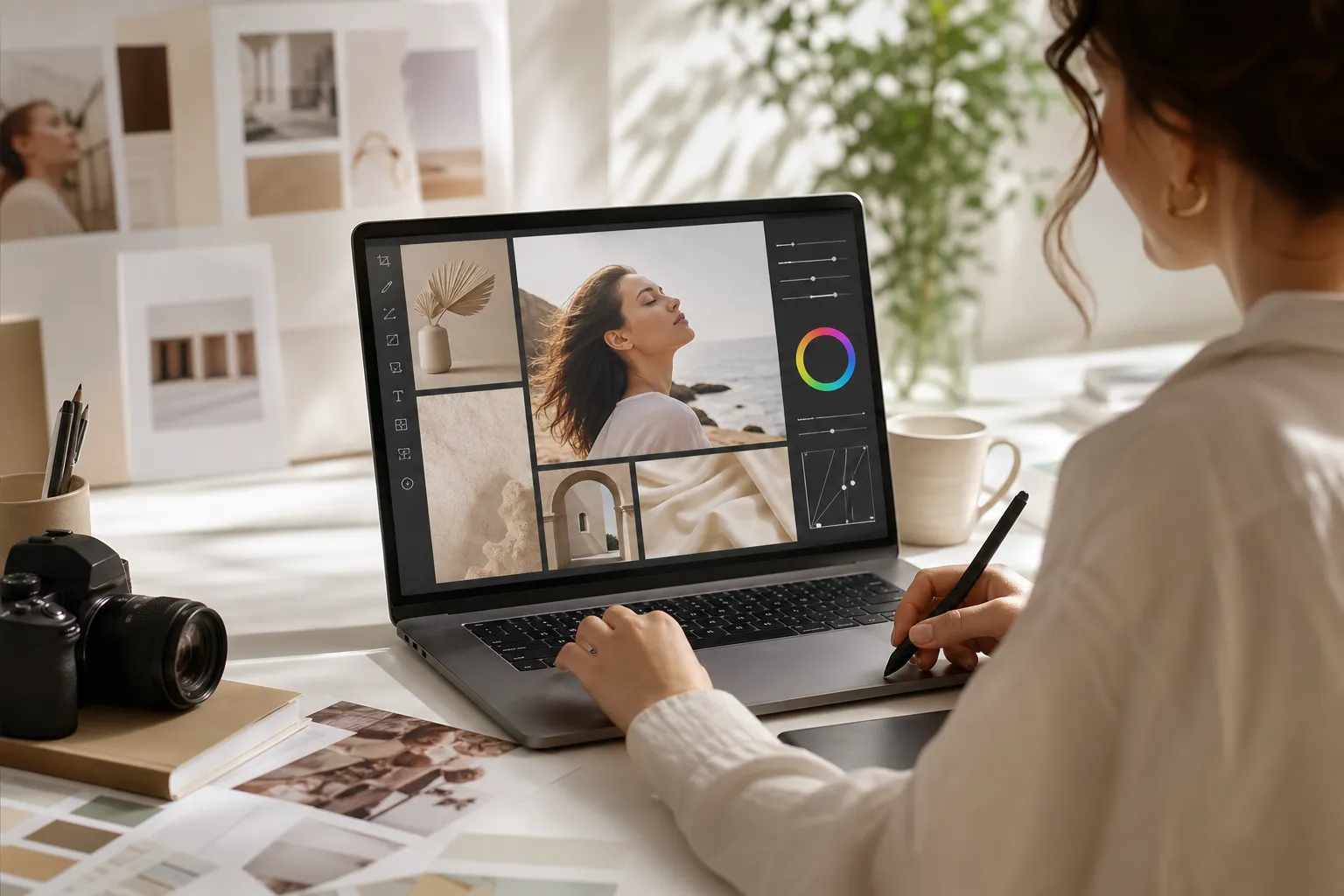
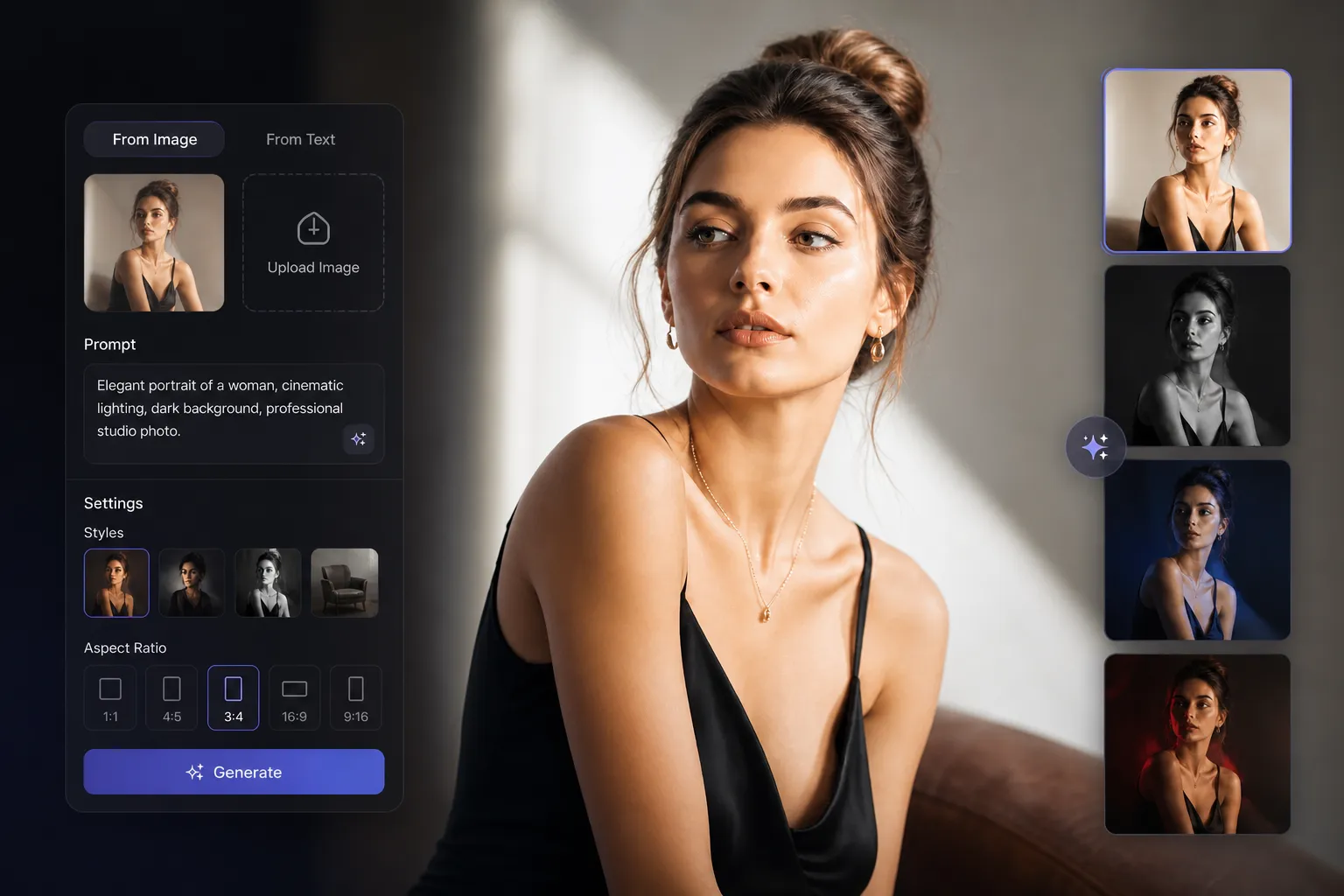
PhotoEditorAI creative editing and upscaling workflow

TapEdit AI vs PhotoEditorAI Comparison

Compare TapEdit AI and PhotoEditorAI to understand their differences in AI models, editing features, and image enhancement options.

Comparison item TapEdit AI PhotoEditorAI as a TapEdit AI alternative
AI model selection Provides AI-powered image editing based on user instructions and creative requests. Offers multiple AI models for different editing and generation needs, allowing users to choose a model based on the desired visual result.
Main focus Focuses on transforming images through AI editing requests and visual changes. Combines creative editing with image enhancement features, covering both new visual creation and existing photo improvement.
Editing capabilities Helps users explore AI-based image transformations from prompts or uploaded images. Supports a wider range of editing tasks, including style changes, object adjustments, image enhancement, and creative transformations.
Photo enhancement Suitable for users who want to modify or explore new image directions. Includes dedicated enhancement features such as image quality improvement, upscaling, and old photo restoration for improving existing photos.
Source image workflow Start with an existing image and describe the desired visual change. Upload an image or provide a prompt, then refine the result with different models and editing options.
Creative use cases Useful for exploring AI-generated image concepts and edits. Designed for broader scenarios including ecommerce visuals, portraits, marketing materials, social content, and photo restoration projects.
Best fit Users looking for AI-powered image transformation based on creative instructions. Users who want a more complete AI photo editor with multiple models, creative editing, and photo enhancement tools.

Ways to Use TapEdit AI Alternative Online

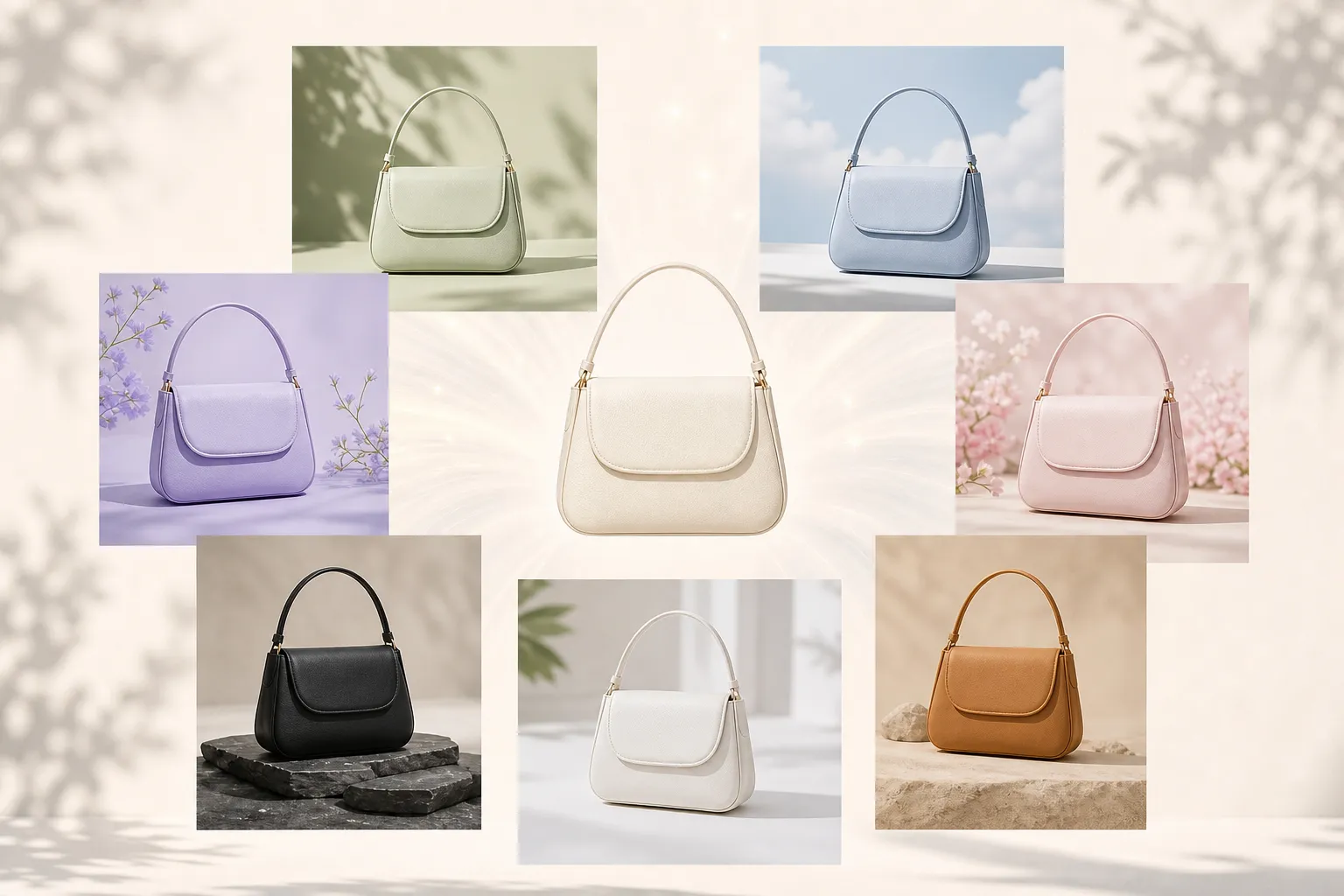
Product image in a new AI-generated scene

Create New Product Scenes

Upload a product image and describe the setting, lighting, surface, and mood you want to test. Small businesses can compare clean listing images with more editorial-style visuals before choosing the right direction for an online store or campaign.

Multiple product image variations for marketing

Generate Multiple Product Variations

Use one product image as a starting point and create different visual directions for listings, promotions, and seasonal campaigns. This helps teams explore options before deciding which style fits each marketing purpose.

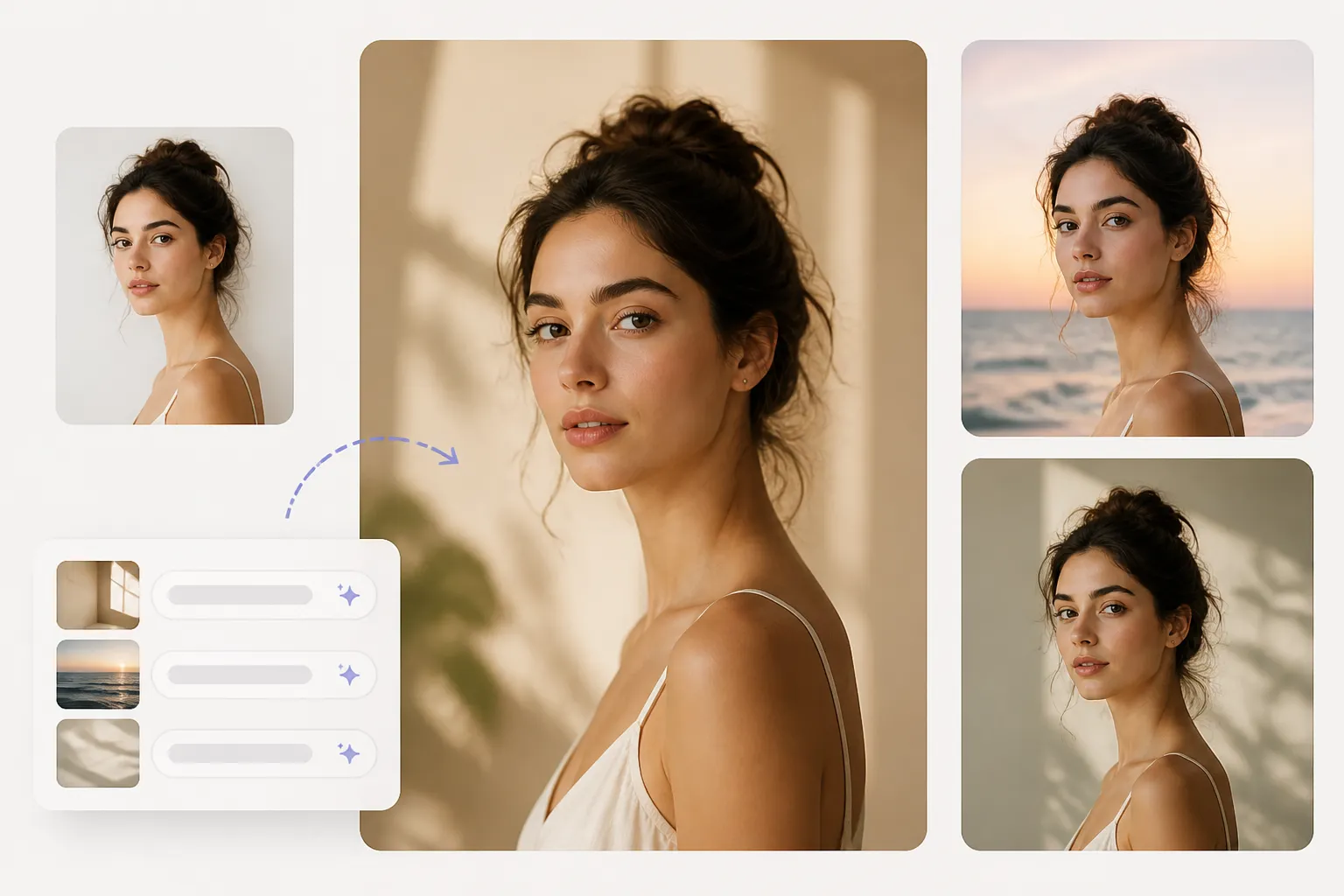
Portrait variation with a new background and style

Preview Portrait Ideas Before Shooting

Upload a portrait and describe a different background, atmosphere, or visual style. Creators and professionals can test profile images or campaign concepts before investing time in a full photo shoot.

AI-generated visual draft for a campaign

Visualize Campaign Concepts Earlier

Turn a campaign idea, target audience, and desired mood into a visual draft. Marketers can review composition and creative direction with their team before moving into final production.

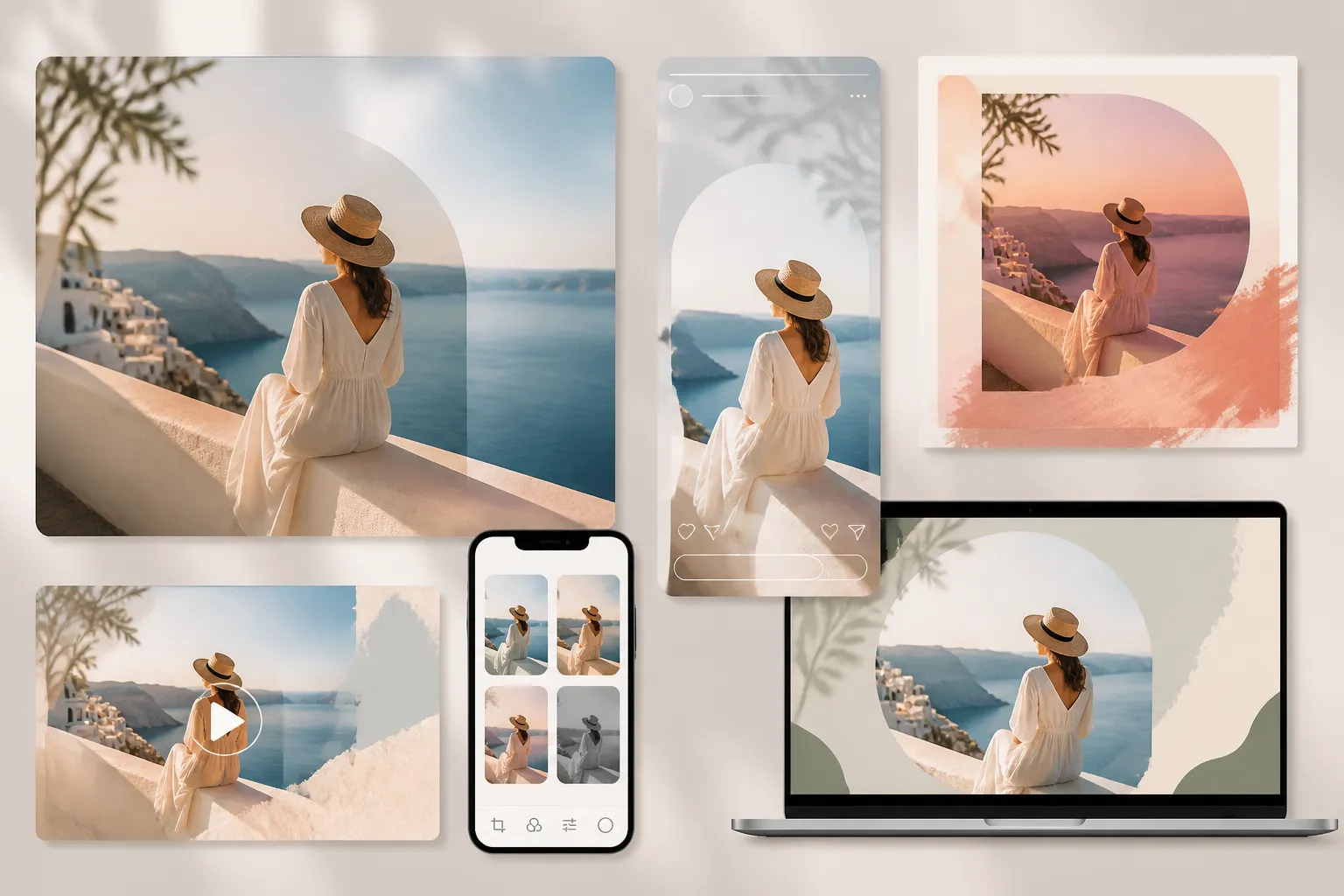
Visual content adapted for different social platforms

Adapt Content for Different Platforms

Start with one reference image or creative brief and explore different layouts, styles, and visual treatments for social posts, stories, thumbnails, or covers.

Visual draft prepared for client feedback

Share Visual Drafts with Clients

Designers and consultants can transform written ideas into visual references for client discussions. This makes it easier to align on composition, subject, and overall style before detailed production begins.

Why Choose PhotoEditorAI as a TapEdit Alternative

Flexible Input Options

Start with an existing image, a text idea, or both. PhotoEditorAI adapts to different creative needs, whether you are refining a product photo, exploring a portrait concept, or building a new visual direction.

Faster Creative Review

Turn abstract ideas into visual drafts that are easier to discuss. Marketers, creators, and teams can review composition, style, and mood earlier before moving into final production.

More Control Over Results

Shape your image based on where it will be used. Adjust your approach for ecommerce, ads, presentations, or social content to create visuals that better match the final purpose.

Complete Editing Workflow

Keep your image, prompt, edits, and final direction connected in one process. This makes it easier to explore variations and refine ideas without restarting from scratch.

Simple First Draft Creation

Create useful visual concepts without preparing complex design files. Upload an image or describe an idea, then quickly generate a draft for review and further improvement.

Better Creative Consistency

Keep a consistent visual style across products, campaigns, and social content by exploring matching variations from the same idea.

How to Use PhotoEditorAI Online

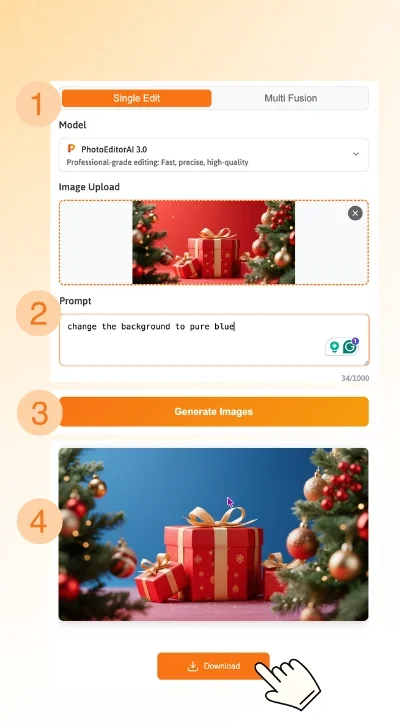
Add a source or idea

Upload an image when you want the existing subject to guide the edit, or write a prompt when you are starting from a visual concept.

Describe the change and choose the direction

Explain what should stay, what should change, and where the result will be used. Select the available model or output settings that fit the image task.

Generate, review, and download

Create the image, check the subject, composition, and details against your brief, then refine the instruction when needed and download the version that fits your next step.

Steps to create and edit images with PhotoEditorAI

TapEdit AI Alternative FAQ

What is a TapEdit AI alternative?

PhotoEditorAI is an online AI photo editor for turning an uploaded image or a written prompt into an edited or newly created image draft that can be downloaded for a product, portrait, ad, social post, or other visual task.

Is PhotoEditorAI a free TapEdit AI alternative?

PhotoEditorAI can be explored as a free TapEdit AI alternative, but current access options, model availability, and usage limits should be checked before starting a larger project because those details can change.

Can I use PhotoEditorAI without an existing photo?

Yes. You can begin with a written prompt when the image is still an idea. Describe the subject, setting, mood, composition, and intended use so the generated draft has a clear purpose.

Can I upload a photo and describe the edit?

Yes. Upload a source image when the product, person, or existing composition should remain the reference, then describe the surrounding change you want to explore.

Why choose PhotoEditorAI as a TapEdit AI alternative?

PhotoEditorAI offers more AI models and editing options for users who want greater creative flexibility. Choose from different AI models for image editing, generation, and enhancement tasks, then apply specialized features such as old photo restoration, image upscaling, and quality improvement. Compared with a more focused AI editing workflow, PhotoEditorAI helps users handle both creative transformations and photo enhancement in one platform.

What can I create with this AI photo editor?

Common directions include product scenes, portrait variations, advertising concepts, social graphics, campaign references, and other image drafts built from a source asset or a written brief.

Can I use the same source image for several versions?

Yes. Keep the source image as the reference and change the prompt, setting, mood, composition, or intended channel to explore related directions before selecting a version for review.

Can I choose the output size or format?

Available output controls can help you plan for the destination, such as a product page, ad, presentation, or social post. Review the current workspace options before generating the final version.

What should I check before publishing an AI-edited image?

Compare the result with the source and the brief. Check the subject, face, product shape, text, proportions, edges, and other details that matter for the intended use. Revise the prompt when the image introduces an unwanted change.

Is PhotoEditorAI the same as TapEdit AI?

No. While both tools are related to AI-powered image editing, PhotoEditorAI provides a broader set of creative options. It supports multiple AI models for different editing needs and combines image transformation with enhancement features such as old photo restoration, image upscaling, and quality improvement. Users can work from a prompt or an existing image to create, refine, and enhance visuals for different projects.